

Unlocking a Galanz microwave may seem challenging at first, but it is a simple process with the right guidance. Whether the control panel is locked due to child safety features or accidental activation, knowing how to unlock it will save time and frustration. This guide will walk you through the steps of how to unlock galanz microwave.
What the Lock Feature Does
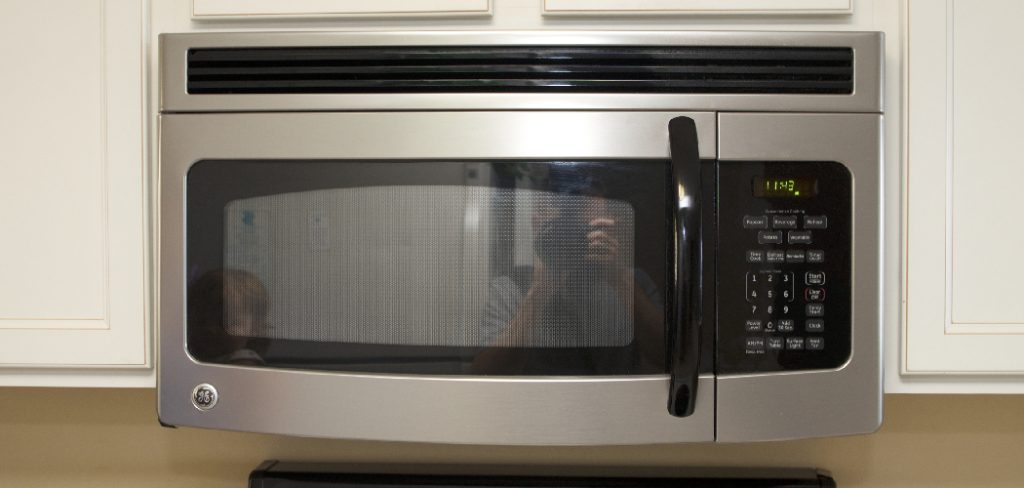
The lock feature on a Galanz microwave is designed as a safety mechanism, primarily to prevent accidental operation. This is particularly useful in households with children, as it ensures that buttons cannot be pressed or the microwave started unintentionally.
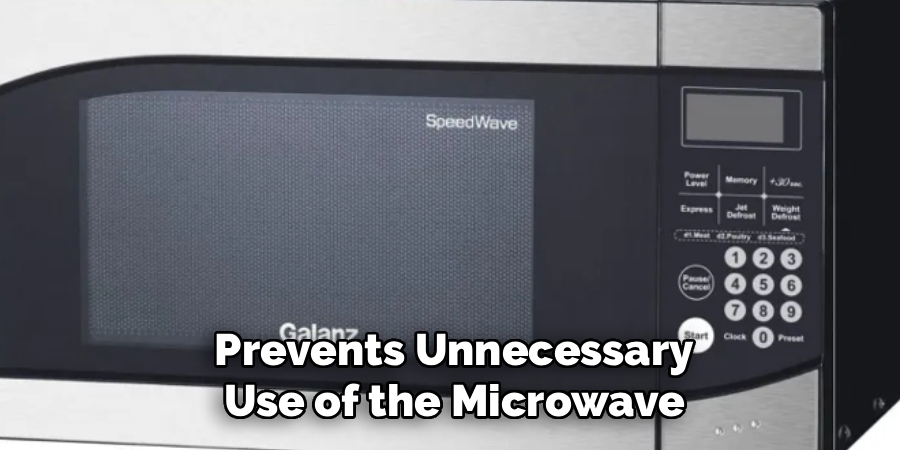
When the lock is activated, the control panel becomes unresponsive to inputs until the feature is disabled. This not only enhances safety but also helps maintain settings and prevents unnecessary use of the microwave.
Signs Your Galanz Microwave is Locked
When your Galanz microwave is locked, there are a few clear indicators to help you identify the status. One of the most common signs is the display panel showing a padlock icon or a message such as “LOC” or “LOCKED.”
Additionally, you may notice that pressing any buttons on the control panel does not produce the usual response, and the microwave remains unresponsive. These signs confirm that the lock feature is engaged, keeping the appliance secure until you intentionally disable it.
10 Methods How to Unlock Galanz Microwave
1. Press and Hold the “STOP/CLEAR” Button
The most commonly used method to unlock a Galanz microwave is by pressing and holding the “STOP/CLEAR” button for three to five seconds. This button is often programmed to serve as the control lock/unlock function. When the control panel is locked, the microwave will not respond to most inputs, and a lock icon or the word “LOCKED” may appear on the display.
Holding the STOP/CLEAR button for a few seconds sends a signal to the control board to deactivate the lock. You may hear a beep, and the display should return to normal mode, indicating the microwave is now ready for use.
2. Refer to the User Manual for Model-Specific Unlocking Instructions
Galanz manufactures a variety of microwave models—ranging from compact countertop units to built-in over-the-range designs—and unlocking procedures can slightly vary across models. If the standard unlocking method does not work, consult the user manual.
The manual typically includes a section under “Child Lock” or “Control Lock” that outlines the exact sequence of buttons required to unlock your particular model. If you don’t have the manual in hard copy, most are available as PDFs on the official Galanz website. Following model-specific instructions is often the most reliable way to unlock the device.
3. Look for a Lock Icon or “L” on the Display
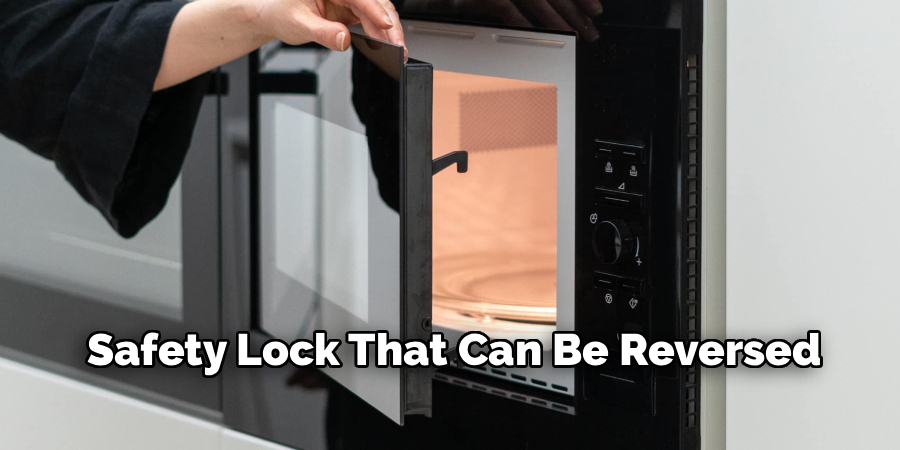
When the control panel is locked, many Galanz microwaves display a small padlock icon, the word “LOCKED,” or simply the letter “L” on the screen. This display indicator is an important visual cue. It confirms that the issue is not a mechanical malfunction but a safety lock that can be reversed.
Once this symbol appears, try the standard unlock method—such as holding the STOP/CLEAR button or a combination of buttons like “FUNCTION” and “TIMER”—while keeping an eye on the display. When the icon disappears, it means the microwave is successfully unlocked.
4. Press and Hold the “0” or “START” Button
In some Galanz models, particularly older or more compact ones, the control lock may be toggled by holding down the number “0” button or the “START” button for several seconds. This function serves as an alternative to the STOP/CLEAR method. Holding either of these buttons for three to five seconds can disable the lock.
Be sure not to press other buttons simultaneously, as doing so may activate a different function. When successful, the microwave should emit a beep or clear the lock symbol from the screen, indicating it’s now operational.
5. Perform a Soft Reset by Unplugging the Microwave
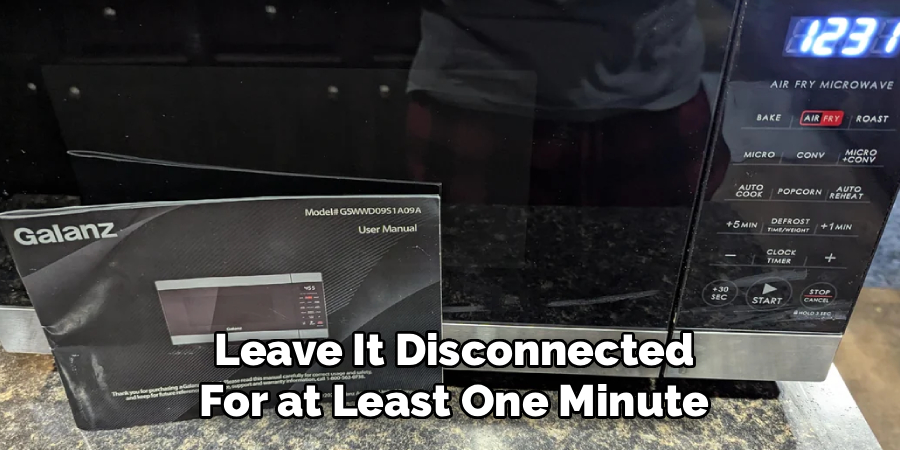
If none of the button-based methods work, performing a soft reset is a practical next step. Unplug the Galanz microwave from the power outlet and leave it disconnected for at least one minute. This time allows any residual electrical charge within the control board to dissipate, effectively resetting the system.
After one minute, plug the microwave back in and check the display. In many cases, this simple power cycle can reset the lock function, allowing the unit to return to normal operating mode. It’s a harmless method and should be attempted before more invasive procedures.
6. Reset the Circuit Breaker If the Unit Is Hardwired
For over-the-range Galanz microwave models that are hardwired into the home’s electrical system, a soft reset can be accomplished by flipping the corresponding circuit breaker off and on. Locate the microwave’s circuit in the breaker box, turn it off, and wait about a minute before switching it back on.
This method resets the power to the microwave and may clear any control lock or software glitch. Once power is restored, check the control panel for signs of unlocking. This approach mimics unplugging the appliance and works well for built-in models.
7. Clean the Control Panel and Try Again
Dirt, grease, or moisture buildup on the microwave’s control panel can interfere with its ability to recognize button inputs, giving the false impression that the unit is locked. Use a soft, lint-free cloth slightly dampened with water or a mild soap solution to wipe down the control panel. Make sure the panel is completely dry before trying to unlock it again.
Cleaning not only improves button responsiveness but can also resolve cases where the lock icon remains due to unregistered inputs. After cleaning, try pressing and holding the STOP/CLEAR or “0” button again.
8. Try Alternate Button Combinations
In rare cases, the microwave may have been programmed with a unique button combination to unlock the control panel, especially on newer or multifunction models. Some combinations to try include pressing and holding “FUNCTION” + “STOP/CLEAR” or “TIMER” + “CLOCK” simultaneously for several seconds.
These combinations vary by model and are often indicated in the user manual. Try each sequence with a gap of at least five seconds between attempts to avoid overwhelming the control board with rapid inputs. One of these alternative sequences may successfully reset the locked status.
9. Contact Galanz Customer Support
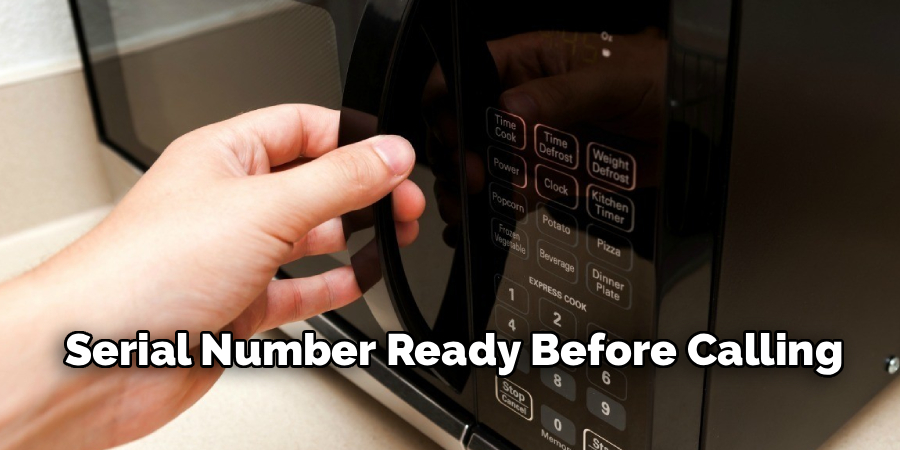
If none of the physical or manual methods succeed in unlocking the microwave, it may be necessary to reach out to Galanz customer support. Have your model number and serial number ready before calling. The support team can guide you through model-specific solutions or determine if there may be a deeper software or hardware malfunction. In some cases, a firmware reset may be required, or the control panel may need replacement. Galanz may also provide insights on whether your unit is under warranty and eligible for a repair or replacement.
10. Schedule a Technician Visit for Hardware Lockouts
If the microwave remains locked after trying all available methods, including manual resets and customer support advice, there may be a malfunction in the control panel, keypad membrane, or circuit board. At this point, it is advisable to schedule a professional technician to inspect the unit. A technician can run diagnostics, test electrical continuity, and replace faulty components if necessary. Though rare, a hardware issue could cause the microwave to remain locked and unresponsive. Having it professionally assessed ensures safety and restores full functionality without the risk of damaging the unit through forced actions.
Maintenance and Upkeep
Proper maintenance of your microwave can prevent many common issues and extend its lifespan. Start by regularly cleaning the interior and exterior surfaces with a soft, damp cloth to remove food residue and spills. Avoid using harsh chemicals or abrasive sponges that may damage the finish.
Clean the door seal and hinges to ensure a proper seal and prevent issues with locking mechanisms. Additionally, check and replace the microwave’s air filter or grease filter if applicable, as these can become clogged over time, reducing efficiency. Periodically inspect the turntable and rollers for any signs of wear or misalignment, and ensure they rotate smoothly.
Always follow the manufacturer’s guidelines for safe usage, and avoid overloading the unit or placing items that are not microwave-safe inside. By taking these simple steps, you can keep your microwave functioning optimally and avoid unnecessary repairs.
Conclusion
Unlocking a Galanz microwave can be a simple task or a slightly more involved process, depending on the model and situation. The key is to approach the issue methodically—starting with basic button combinations and gradually advancing to power resets or professional help if needed. These ten methods provide a comprehensive guide for resolving lockouts efficiently, ensuring that your microwave returns to full functionality with minimal effort.
By understanding how control locks work and how to reset them safely, users can avoid unnecessary frustration and make the most of their kitchen appliances. Thanks for reading our blog post on how to unlock galanz microwave! We hope you found it helpful and informative.

About
Diane Lo is a distinguished figure in the world of kitchen innovation and culinary design, with over a decade of expertise creating functional and sustainable kitchen environments. Her professional focus lies in merging ergonomic spatial planning with modern culinary technology, fostering kitchen layouts that are both highly practical and aesthetically refined. As the lead expert at Kitchenub, Diane Lo delves into the art and science of kitchen organization, appliance selection, and workflow efficiency, inspiring home cooks and professional designers alike.
Education
Royal Melbourne Institute of Technology (RMIT University) (Melbourne, Australia) Associate Degree in Interior Design and Spatial Planning Focus on sustainable kitchen layouts, user-centric design, and ergonomic efficiency. Gained hands-on experience in high-traffic commercial kitchen modeling and advanced space-saving architecture.
Nottingham Trent University (United Kingdom) Bachelor’s in Product Design and Culinary Architecture (Honors) Specialized in the intersection of kitchen technology and lifestyle design. Participated in major industry collaborations, working with premium appliance manufacturers and cabinetry firms to gain real-world insights into modern kitchen workflows.
Publications and Impact
At Kitchenub, Diane Lo shares her expert insights on kitchen renovation processes, material durability, and strategies for achieving peak culinary productivity. Her writing effectively bridges the gap between professional culinary needs and home design, making it an essential resource for those looking to transform their kitchen into a highly efficient and welcoming heart of the home.