

Resetting a Fisher and Paykel dishwasher can solve many minor issues, such as error codes or unresponsive buttons, and restore the appliance to its optimal functioning. This process is simple and does not require advanced technical skills, making it accessible for most users. Following the correct steps ensures that the reset is effective and prevents any further complications. Whether you’re dealing with a power interruption, drainage problems, or general operational glitches, resetting your dishwasher can often be the quickest solution. This guide provides clear, step-by-step instructions to help you reset your Fisher and Paykel dishwasher with ease and confidence.
Is your Fisher and Paykel dishwasher not working right? Learnhow to reset Fisher and Paykel dishwasher with our easy, step-by-step guide to fix common errors fast.

Why Resetting Your Dishwasher Can Be a Quick Fix
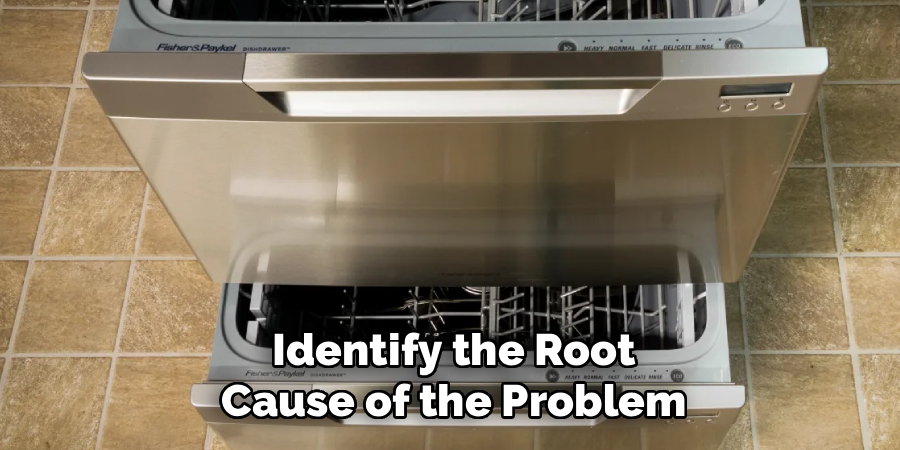
Fisher and Paykel dishwashers are known for their innovative design and reliable performance, but like any advanced appliance, they can sometimes encounter electronic glitches. You might find your DishDrawer™ is unresponsive, a cycle won’t start, or an error code is flashing on the display. Before you schedule a service call, there is a simple troubleshooting step that often resolves these issues in minutes. Learning how to reset Fisher and Paykel dishwasher models can clear temporary faults from the machine’s control board, much like restarting a computer. This guide will provide clear, easy-to-follow instructions to help you perform a reset and get your appliance back to running smoothly.
Step-by-Step Guide on How to Reset Fisher and Paykel Dishwasher
Step 1: Understand When a Reset Is Needed
Before you proceed, it is important to identify the signs that a reset might be necessary. Is your dishwasher completely unresponsive? Are the cycle indicator lights flashing in a pattern you don’t recognize? Perhaps the machine stopped mid-cycle and won’t restart, or it is not draining properly. These are all common symptoms of a control board glitch. Taking a moment to observe the specific behavior can help you determine if the problem is electronic or mechanical. A reset is most effective for resolving software-related issues, such as a frozen control panel or a cycle that has become stuck in a loop.
Step 2: The Soft Reset Method Using the Control Panel
For many minor issues, a soft reset directly from the control panel is all that is needed. This method is quick and doesn’t require you to move the appliance. To perform a soft reset, press and hold the “Start” or “Start/Pause” button for about three to five seconds. On DishDrawer™ models, you may need to press the power button and the lock button simultaneously. You should hear a beep or see the indicator lights change, signaling that the current cycle has been canceled and the unit is resetting. This simple action can often clear a temporary error.
Step 3: The Hard Reset
If the soft reset does not resolve the issue, a hard reset is the next logical step. This method involves completely disconnecting the appliance from its power source to fully clear the internal memory of the control board. To do this, you must cut the power to the dishwasher. If the power cord is accessible, you can simply unplug it from the wall outlet. For integrated models where the plug is out of reach, you will need to go to your home’s main electrical panel and switch off the circuit breaker that supplies power to the dishwasher.
Step 4: Wait for the Power to Dissipate
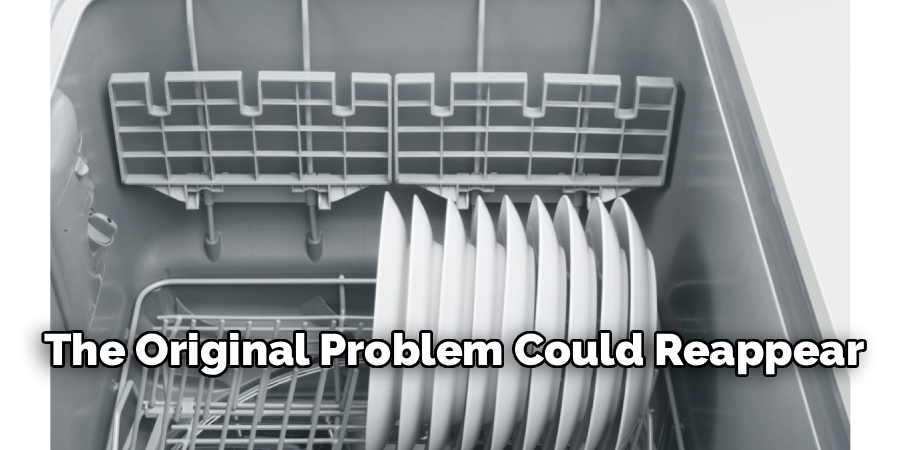
After you have disconnected the power, it is crucial to wait. This step, while simple, is essential for a successful reset. Leave the dishwasher without power for at least five to ten minutes. This waiting period allows any stored electrical charge within the dishwasher’s internal components, specifically the capacitors on the control board, to fully discharge. This process is what clears any lingering error codes or software glitches that caused the malfunction in the first place. Skipping this waiting period may result in an incomplete reset, and the original problem could reappear once power is restored.
Step 5: Restore Power to the Appliance
Once the waiting period is over, it is time to give your Fisher and Paykel dishwasher power again. If you unplugged the unit, plug the power cord firmly back into the wall socket. If you used the circuit breaker, flip the switch securely back to the “On” position. As the dishwasher boots back up, you will likely see the lights on the control panel flash or hear a series of beeps. This is a normal part of the system’s initialization process. The display should then settle into its standard standby mode, indicating that the reboot was successful.
Step 6: Test the Machine
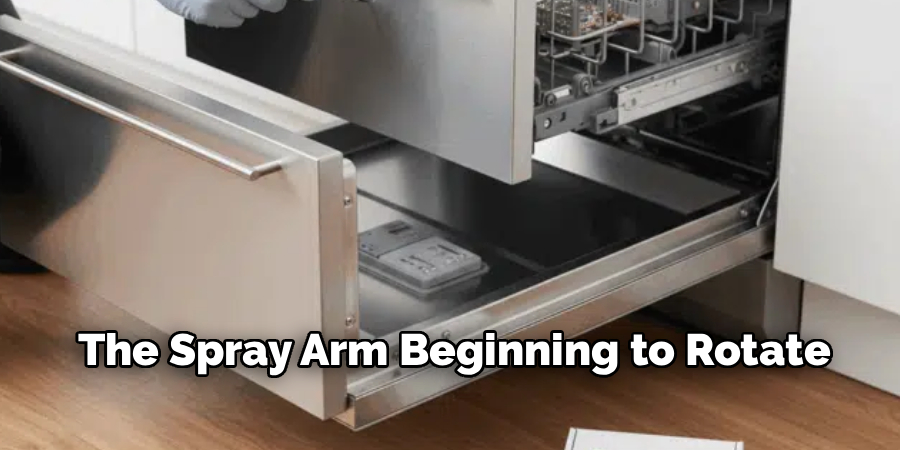
With the reset complete, the final step is to ensure the problem has been resolved. For a DishDrawer™ model, slide the drawer closed. For a traditional model, ensure the door is latched securely. Select a short wash program, such as a “Rinse” or “Fast” cycle, to test the dishwasher’s functionality without waiting for a full cycle to complete. Press the “Start” button and listen for the familiar sounds of the machine filling with water and the spray arm beginning to rotate. Let it run for a few minutes to confirm it progresses through the initial stages correctly.
Step 7: Observe for Recurring Issues
If the test cycle runs without any problems, your reset was a success. However, if the original issue returns soon after, it likely points to a more significant underlying problem that a reset cannot fix. For instance, if the dishwasher still fails to drain, the issue might be a clogged filter or a faulty drain pump. If it fails to heat water, the heating element could be the culprit. In these situations, the error code or symptom you observed in the first step becomes a valuable clue for further diagnosis or for a service technician.
Frequently Asked Questions
What Do the Flashing Lights on My Fisher and Paykel Dishwasher Mean?
Flashing lights are the dishwasher’s way of communicating an error. The specific pattern of flashes corresponds to a unique fault code. For example, a continuous beep or specific light combination might indicate a drainage issue, a leak, or a problem with the water supply. A reset can clear temporary electronic glitches causing these codes. If the error persists after a reset, consult your user manual to decipher the code and identify the root cause of the problem.
How Do I Reset a Fisher and Paykel DishDrawer™?
Resetting a DishDrawer™ follows the same principles. You can try a soft reset by pressing and holding the Power and Keylock buttons together for about five seconds. If that doesn’t work, perform a hard reset by turning off the power at the circuit breaker for at least five minutes. This will clear the control board’s memory for both drawers and often resolves unresponsiveness or cycle issues.
Why Is My Dishwasher Stuck on One Cycle?
A dishwasher can get stuck in a cycle due to a software glitch, a faulty sensor, or a mechanical issue. The control board may not receive the signal to advance to the next stage of the wash. A hard reset is often very effective at fixing this by rebooting the control board. If the problem continues after a reset, it may indicate a failed component, such as a thermostat or water level sensor.
Can a Reset Fix a Dishwasher That Is Not Draining?
A reset can fix a drainage issue if the problem is caused by a control board error that prevents the drain pump from activating. However, more often than not, a failure to drain is due to a physical blockage. Before assuming an electronic fault, you should:
- Clean the filter at the bottom of the tub.
- Check the drain hose for any kinks or clogs.
- Ensure the sink’s air gap or garbage disposal connection is clear.
Is It Safe to Reset My Dishwasher Frequently?
Yes, resetting your dishwasher is a perfectly safe troubleshooting procedure. It does not cause any harm to the appliance’s electronic or mechanical components. Think of it as rebooting a smartphone or computer when it freezes. It is a non-invasive way to clear out software bugs and is often recommended by manufacturers as a first step before calling for professional service. There is no harm in performing a reset whenever you encounter a potential electronic fault.
Conclusion
Facing a problem with your Fisher and Paykel dishwasher can be frustrating, but a solution is often simpler than you think. A quick reset, whether through the control panel or by cycling the power, can resolve many common electronic glitches, from flashing error codes to unresponsive cycles. By following this guide, you are now equipped to handle these minor issues yourself, potentially saving both time and money. The next time your appliance acts up, you can confidently try these steps on how to reset Fisher and Paykel dishwasher and restore it to perfect working order.

About
Diane Lo is a distinguished figure in the world of kitchen innovation and culinary design, with over a decade of expertise creating functional and sustainable kitchen environments. Her professional focus lies in merging ergonomic spatial planning with modern culinary technology, fostering kitchen layouts that are both highly practical and aesthetically refined. As the lead expert at Kitchenub, Diane Lo delves into the art and science of kitchen organization, appliance selection, and workflow efficiency, inspiring home cooks and professional designers alike.
Education
Royal Melbourne Institute of Technology (RMIT University) (Melbourne, Australia) Associate Degree in Interior Design and Spatial Planning Focus on sustainable kitchen layouts, user-centric design, and ergonomic efficiency. Gained hands-on experience in high-traffic commercial kitchen modeling and advanced space-saving architecture.
Nottingham Trent University (United Kingdom) Bachelor’s in Product Design and Culinary Architecture (Honors) Specialized in the intersection of kitchen technology and lifestyle design. Participated in major industry collaborations, working with premium appliance manufacturers and cabinetry firms to gain real-world insights into modern kitchen workflows.
Publications and Impact
At Kitchenub, Diane Lo shares her expert insights on kitchen renovation processes, material durability, and strategies for achieving peak culinary productivity. Her writing effectively bridges the gap between professional culinary needs and home design, making it an essential resource for those looking to transform their kitchen into a highly efficient and welcoming heart of the home.