

Resetting a Comfee dishwasher can resolve a variety of common issues, such as error codes, unresponsive controls, or incomplete cycles. Performing a reset is often a straightforward process and may help restore your dishwasher to proper working condition without the need for professional assistance. By following a few simple steps, you can troubleshoot and reset your appliance quickly and effectively.
First, begin by turning off the dishwasher. To do this, press the power button and ensure the machine is completely shut down. Next, unplug the dishwasher from the power outlet and wait for at least 10 minutes. This helps discharge any residual power and allows the internal system to reset. After waiting, reconnect the dishwasher to the power outlet and turn it back on by pressing the power button. Check the control panel for any error codes or unusual behavior. If the issue persists, consult the user manual or contact customer support for additional assistance. Before you call for a costly repair, learning how to reset Comfee dishwasher can save you time, money, and frustration.
Why Resetting Your Comfee Dishwasher Can Help
Your Comfee dishwasher is a reliable kitchen appliance, but like any modern electronic device, it can sometimes encounter a glitch. Whether it’s an unresponsive control panel, a cycle that won’t start, or a mysterious error code on the display, a simple reset can often be the solution. This process, often referred to as a soft reset or power cycle, can clear minor electronic faults and restore your machine to its normal operating condition, getting your kitchen routine back on track in just a few minutes.
How to Reset Comfee Dishwasher: A Step-by-Step Guide
Step 1: Identify the Need for a Reset
Before you jump into the reset process, it’s important to understand when it’s necessary. A reset is often the first troubleshooting step for several common issues. You might consider a reset if your Comfee dishwasher is not starting a cycle, has become completely unresponsive to button presses, or is displaying an unfamiliar error code that isn’t clearing on its own.
Other signs include a cycle stopping midway through or the appliance failing to drain properly. If the issue is a simple one, like a blocked spray arm or a dirty filter, you should address that first. A reset is most effective for resolving electronic glitches, not mechanical blockages.
Step 2: Stop the Current Dishwasher Cycle
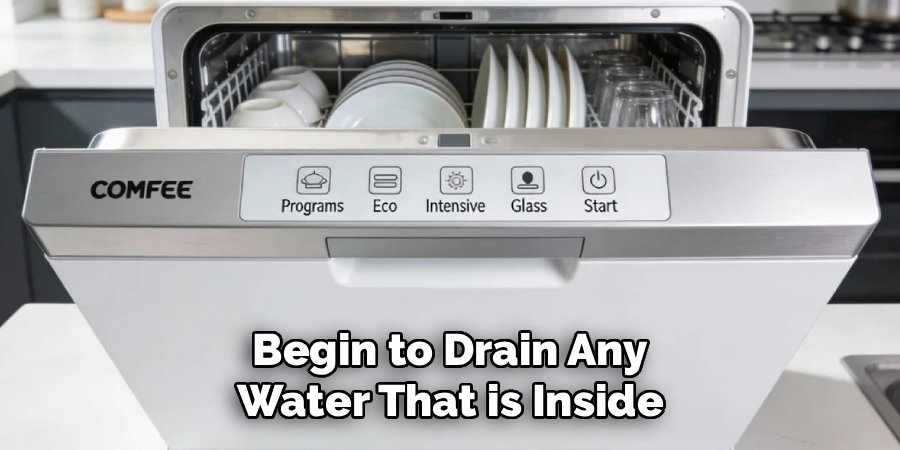
If your dishwasher is stuck mid-cycle, you need to cancel it before proceeding with a full reset. For most Comfee models, you can do this by pressing and holding the “Start/Pause” or “Start/Cancel” button for about three to five seconds. You should hear the dishwasher stop its current operation and begin to drain any water that is inside. This step is important because it brings the machine to a neutral state, preventing any potential issues that could arise from abruptly cutting the power while it is actively running a wash or drain function. Wait until the draining sound stops completely.
Step 3: The Simplest Way on How to Reset Comfee Dishwasher – Unplug It
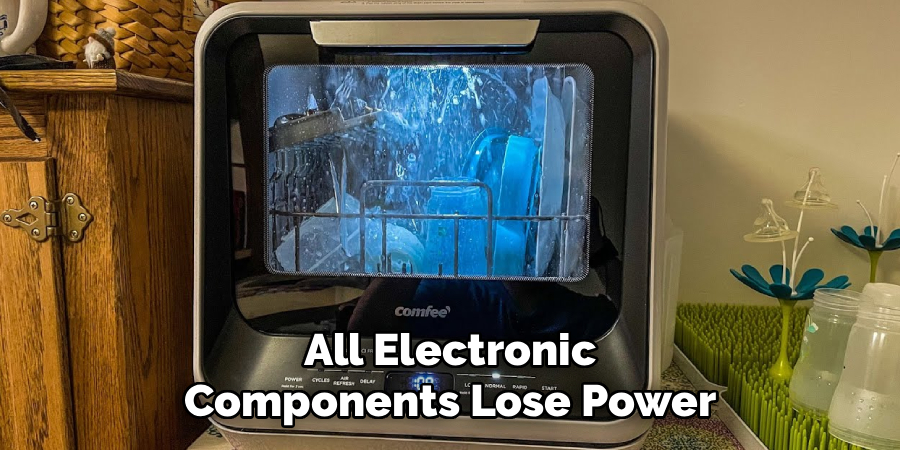
The most common and effective way to perform a reset is to completely disconnect the dishwasher from its power source. Carefully pull the dishwasher away from the wall just enough to access the power cord and unplug it from the electrical outlet. If the dishwasher is hardwired or the plug is inaccessible, you will need to turn off the power at the source. This means going to your home’s circuit breaker box and flipping the switch that corresponds to your dishwasher. This action, known as a hard reset, ensures that the internal computer and all electronic components lose power, which is essential for clearing any stored memory or software bugs.
Step 4: Wait for at Least Five Minutes
This is a crucial and often overlooked step in the reset process. After you have disconnected the power, you must wait for at least five full minutes. This waiting period allows enough time for the capacitors inside the dishwasher’s control board to fully discharge.
When these components lose their stored electrical charge, the machine’s internal memory, which may be holding onto the glitch or error code, is completely wiped clean. Rushing this step and plugging the dishwasher back in too soon might not be enough time to clear the fault, meaning the problem could persist when you restore power.
Step 5: Check and Clean the Filter
While you are waiting for the internal components to discharge, it’s a perfect opportunity to perform some basic maintenance. A clogged filter can often be the root cause of performance issues, including poor draining or cleaning, which might lead you to believe a reset is needed. Open the dishwasher door and locate the filter at the bottom of the tub.
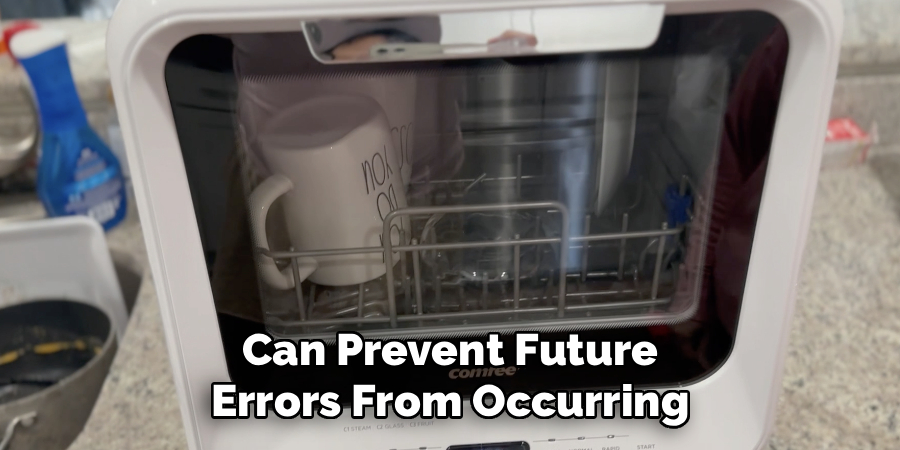
Twist it counterclockwise to unlock it and lift it out. Rinse the filter thoroughly under warm running water to remove any food particles, debris, or buildup. A clean filter ensures proper water circulation and can prevent future errors from occurring.
Step 6: A Critical Part of How to Reset a Comfee Dishwasher – Restore Power
After waiting for at least five minutes and cleaning the filter, it’s time to restore power to your dishwasher. Plug the power cord firmly back into the wall outlet. If you turned the appliance off at the circuit breaker, go back to the breaker box and flip the switch back to the “On” position.
You should see the lights on the dishwasher’s control panel flicker on, or you may hear a beep, indicating that it is receiving power and its internal computer is rebooting. This is a good sign that the reset process is working as intended and the machine is ready for the next step.
Step 7: Run a Test Cycle
With the power restored, the final step is to test if the reset was successful. Do not load any dishes into the dishwasher for this test. Select a short wash cycle, such as “Rinse” or “Quick Wash,” and press the “Start” button. Listen carefully as the dishwasher begins to operate. You should hear it fill with water, the spray arms should begin to rotate, and eventually, it should drain. Let the cycle run to completion. If the dishwasher completes the cycle without displaying any error codes or stopping unexpectedly, the reset has successfully resolved the issue.
Frequently Asked Questions
Why Is My Comfee Dishwasher Not Starting?
If your Comfee dishwasher won’t start, a few things could be the cause. First, check that the door is latched securely, as all dishwashers have a safety mechanism that prevents operation if the door is ajar. Ensure the “Child Lock” feature is not activated. Another common reason is a tripped circuit breaker or a blown fuse, so check your home’s electrical panel. If these simple checks don’t solve the problem, performing a full reset by unplugging the unit can often clear any electronic glitch preventing it from starting.
How Do I Clear an Error Code on My Comfee Dishwasher?
Most error codes can be cleared by performing a reset. The most effective method is to turn off the power to the dishwasher at the circuit breaker or by unplugging it from the wall. Wait for about five to ten minutes before restoring power. This allows the machine’s internal computer to reboot and clear the fault from its memory. If the error code reappears after the reset, consult your user manual, as it may indicate a specific part failure that requires professional attention.
Can I Just Press the Power Button to Reset the Dishwasher?
Simply pressing the power button to turn the dishwasher off and on again is usually not enough to perform a true reset. This action typically only puts the machine into standby mode and does not clear the internal memory of any glitches. To perform a full and effective reset, you must completely disconnect the appliance from its power source by either unplugging it or shutting it off at the circuit breaker. This is the only way to ensure the electronic control board fully reboots.
What Does the “Start/Cancel” Button Do?
Pressing and holding the “Start/Cancel” button on your Comfee dishwasher for about three seconds is designed to cancel a cycle that is currently in progress. When you do this, the machine will stop washing and initiate a drain sequence to empty any water from the tub. While this is a useful feature for stopping a cycle, it is not the same as a full system reset. It will not clear underlying electronic faults or error codes from the dishwasher’s memory.
How Often Should I Reset My Dishwasher?
You should only need to reset your dishwasher when it is malfunctioning. A reset is not part of routine maintenance. If you find that you have to reset your Comfee dishwasher frequently—for example, more than once a month—it may be a sign of a more significant underlying issue. This could be related to your home’s electrical supply or a failing component within the appliance itself. In such cases, it would be wise to have the dishwasher inspected by a qualified service technician.
Conclusion
A malfunctioning dishwasher can disrupt the flow of your entire household, but the fix is often surprisingly simple. In many cases, a quick power cycle is all that is needed to resolve common electronic glitches and get your appliance back to its peak performance.
By following the steps outlined in this guide, you now have the knowledge to confidently troubleshoot and fix minor issues on your own. The next time your machine acts up, you will know how to reset Comfee dishwasher and can approach the problem with a simple, effective solution before considering a service call.

About
Diane Lo is a distinguished figure in the world of kitchen innovation and culinary design, with over a decade of expertise creating functional and sustainable kitchen environments. Her professional focus lies in merging ergonomic spatial planning with modern culinary technology, fostering kitchen layouts that are both highly practical and aesthetically refined. As the lead expert at Kitchenub, Diane Lo delves into the art and science of kitchen organization, appliance selection, and workflow efficiency, inspiring home cooks and professional designers alike.
Education
Royal Melbourne Institute of Technology (RMIT University) (Melbourne, Australia) Associate Degree in Interior Design and Spatial Planning Focus on sustainable kitchen layouts, user-centric design, and ergonomic efficiency. Gained hands-on experience in high-traffic commercial kitchen modeling and advanced space-saving architecture.
Nottingham Trent University (United Kingdom) Bachelor’s in Product Design and Culinary Architecture (Honors) Specialized in the intersection of kitchen technology and lifestyle design. Participated in major industry collaborations, working with premium appliance manufacturers and cabinetry firms to gain real-world insights into modern kitchen workflows.
Publications and Impact
At Kitchenub, Diane Lo shares her expert insights on kitchen renovation processes, material durability, and strategies for achieving peak culinary productivity. Her writing effectively bridges the gap between professional culinary needs and home design, making it an essential resource for those looking to transform their kitchen into a highly efficient and welcoming heart of the home.