

A stand mixer is a powerhouse in any baker’s kitchen, capable of transforming tough dough and delicate batters with ease. But to get those perfect results, your mixer needs to be properly calibrated. Over time and with regular use, parts can shift, affecting how well it mixes. An unadjusted mixer can leave unmixed ingredients at the bottom of the bowl or even cause damage to the machine.
Fortunately, learning how to adjust a stand mixer is a straightforward process that anyone can master. This guide will walk you through the essential adjustments, from setting the beater height to managing speed settings, ensuring your trusty appliance performs at its best for years to come.
Why Adjusting a Stand Mixer is Important
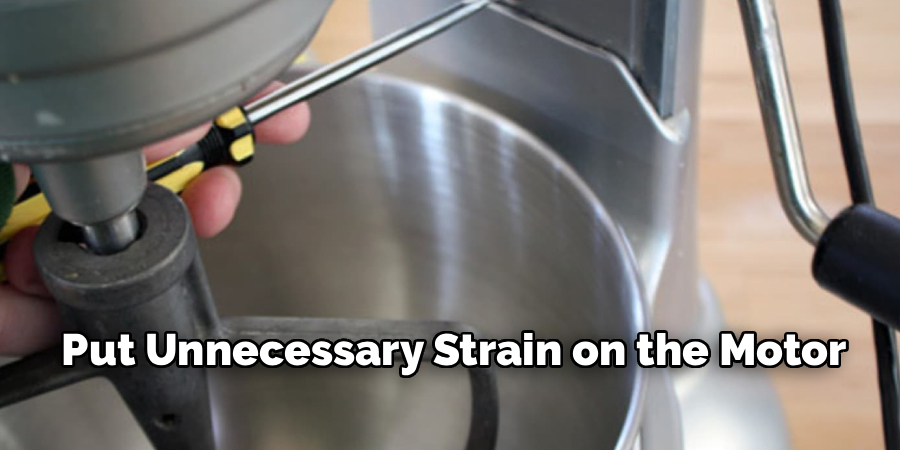
Properly adjusting your stand mixer is crucial for both performance and longevity. The most important calibration is the beater-to-bowl clearance. If the beater is too high, it won’t reach the ingredients at the bottom of the bowl, leaving you with unmixed flour or unincorporated butter. If it’s too low, it can scratch the bowl, chip the coating on your beater, and put unnecessary strain on the motor. Correct adjustment ensures thorough, even mixing every time.
Regular adjustments also contribute to better mixing efficiency. When your attachments are properly set, the mixer works as intended, creating perfectly whipped cream, well-developed dough, and smooth batters. Taking a few minutes for kitchen appliance maintenance not only improves your baking results but also prevents costly damage and extends the life of your investment.
Tools and Materials You’ll Need
Most adjustments for a stand mixer are simple and require minimal tools. Before you begin, gather the following items to make the process quick and easy.
- Your Stand Mixer: And its standard attachments (flat beater, dough hook, whisk).
- The Mixer’s Bowl: To test the clearance.
- A Dime or a Sheet of Paper: For the classic beater height test.
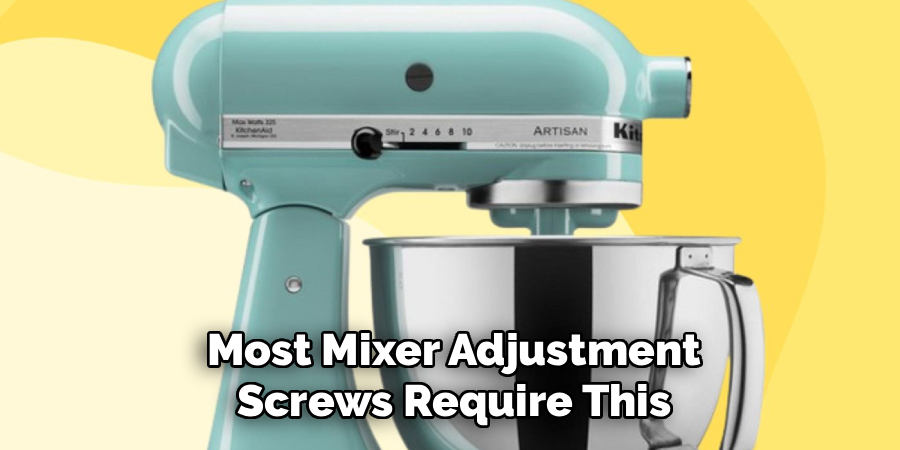
- A Flat-Head Screwdriver: Most mixer adjustment screws require this.
- A Clean Cloth: For wiping down the machine.
- Food-Grade Lubricant (Optional): For periodic maintenance if you notice grinding noises in the gears.
- Your Mixer’s User Manual (Optional but Recommended): For model-specific instructions.
Step-by-Step Guide: How to Adjust a Stand Mixer
Step 1: Perform the Dime Test
The most critical adjustment is the beater-to-bowl clearance. The “dime test” is the industry-standard method to check this. Start by unplugging your mixer and attaching the flat beater and the mixing bowl. Place a dime in the bottom of the bowl. Turn the mixer on to its lowest speed. The beater should move the dime slightly with each pass, pushing it about a quarter to a half-inch each time. If the beater doesn’t touch the dime, it’s too high. If it hits the dime hard and pushes it around aggressively, it’s too low.
Step 2: Adjust the Beater-to-Bowl Clearance
If the dime test shows an adjustment is needed, you can easily fix it. Unplug your mixer. On most tilt-head models, the adjustment screw is located in the hinge where the head pivots. On bowl-lift models, it’s often on the central column. Use a flat-head screwdriver to turn this screw. Turning it counter-clockwise will raise the beater, while turning it clockwise will lower it. Make very small adjustments—no more than a quarter turn at a time—and re-run the dime test after each adjustment until the clearance is perfect.
Step 3: Understand the Different Speed Settings
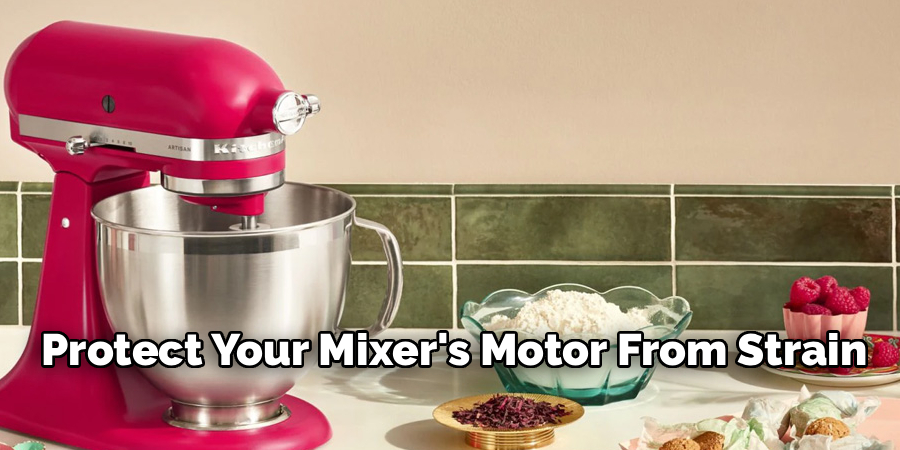
Properly using the speed settings is a form of adjustment that dramatically impacts mixing efficiency. Always start on the lowest speed (“Stir”) to combine ingredients without sending flour flying out of the bowl. Gradually increase the speed as the ingredients come together. Use low speeds for heavy doughs, medium speeds for batters and creaming butter and sugar, and high speeds for whipping cream or egg whites. Following the speed recommendations in your recipe will prevent over-mixing and protect your mixer’s motor from strain. This is a key part of learning how to adjust a stand mixer for different tasks.
Step 4: Master the Tilt-Head Adjustment
For tilt-head models, knowing how to properly use the locking mechanism is essential for safety and stability. The locking lever on the side of the mixer should be in the “lock” position whenever the mixer is running. This prevents the head from bouncing up and down when working with heavy doughs, which could damage the gears. When you need to add ingredients or scrape the bowl, turn the mixer off and move the lever to the “unlock” position to tilt the head back. Always ensure it clicks securely back into the locked position before restarting.
Step 5: Secure the Bowl Correctly
Whether you have a tilt-head or bowl-lift model, the bowl must be securely locked into the base. An unsecured bowl can rattle, rotate, or even detach during mixing, creating a mess and posing a safety risk. For tilt-head models, this means twisting the bowl clockwise onto the base plate until it is tight. On bowl-lift models, the bowl snaps onto pins on the support arms. You should hear a distinct click, and the handle on the back should align with its spring clip. A secure bowl is fundamental to stable operation.
Step 6: Choose and Attach the Right Beater
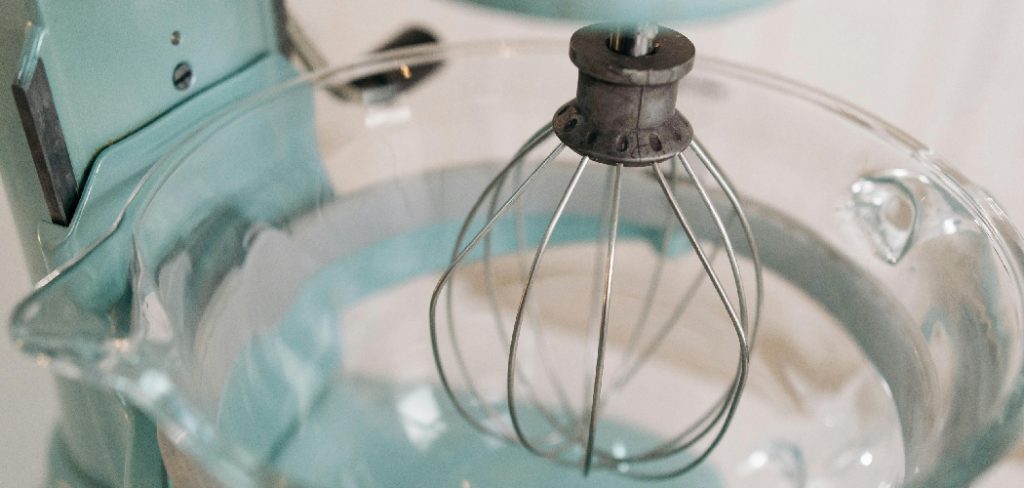
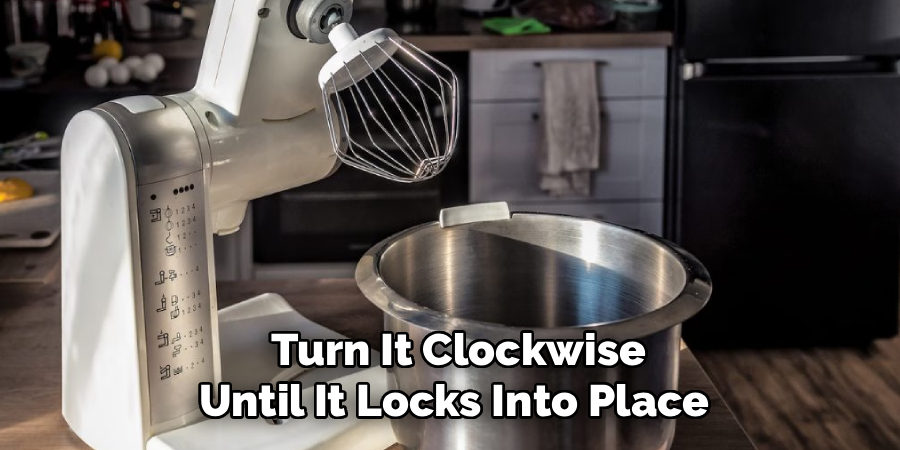
Using the correct attachment is as important as any mechanical adjustment. The flat beater is your all-purpose tool for batters, cookies, and creaming. The wire whisk is for incorporating air when whipping cream or egg whites. The dough hook is for kneading bread dough. To change an attachment, unplug the mixer, tilt the head back (or lower the bowl), and push the beater upwards on the shaft, turning it counter-clockwise to release it. To attach a new one, push it up and turn it clockwise until it locks into place.
Step 7: Make Adjustments for a Dough Hook
Kneading dough is one of the most demanding tasks for a stand mixer, and proper adjustment is key. The beater-to-bowl clearance you set with the flat beater should also work for the dough hook. When kneading, the hook should clear the bottom of the bowl, grabbing the dough and folding it against the sides. If the dough is just spinning around the hook and not touching the bowl, your beater height may still be too high. Correct adjustment ensures the dough is properly developed for a perfect rise.
Frequently Asked Questions
How Do I Know if My Stand Mixer’s Beater Height Is Correct?
The “dime test” is the best way to check. Place a dime in the bowl, attach the flat beater, and run the mixer on low. The beater should just barely move the dime about a half-inch with each rotation. If it doesn’t touch the dime, it’s too high. If it hits the dime hard, it’s too low. This simple test ensures your beater is perfectly positioned for optimal mixing.
What Should I Do if My Mixer Is Shaking or Bouncing?
Some movement is normal, especially when kneading heavy bread doughs at higher speeds. However, excessive shaking can be a sign of a problem. First, ensure the mixer head or bowl-lift mechanism is locked securely. Second, make sure your mixer is on a stable, level surface. If it continues to shake violently, you may be mixing too large of a batch or running it at too high a speed for the dough.
Can I Put My Stand Mixer Attachments in the Dishwasher?
This depends on the material. Most modern stainless steel attachments (wire whisks, flat beaters, dough hooks) are dishwasher-safe. However, older or “burnished” aluminum attachments are not. Placing burnished aluminum in the dishwasher will cause it to oxidize and turn a dull, chalky gray. Always check your user manual to confirm if your specific attachments are dishwasher-safe.
My Tilt-Head Mixer Won’t Lock Down. How Can I Fix This?
If the head of your mixer won’t lock into the down position, the locking mechanism may be misaligned. First, unplug the mixer. Check the hinge area for any food debris that might be obstructing it. If it’s clean, you may need to adjust a small pin inside the locking lever mechanism. This is a more advanced repair, and it is best to consult your user manual or a professional service technician.
How Often Should I Adjust My Stand Mixer?
You should check the beater-to-bowl clearance every few months if you are a frequent baker. It’s also a good idea to perform the dime test whenever you notice ingredients aren’t being mixed properly at the bottom of the bowl. Taking a few moments for this simple kitchen appliance maintenance ensures your mixer is always ready for your next baking project.
Conclusion
Your stand mixer is a significant kitchen investment, and keeping it in prime condition is the key to both delicious results and a long lifespan. By learning a few basic calibrations, you can solve common mixing problems, prevent unnecessary wear and tear, and ensure your machine operates smoothly and efficiently. Don’t be intimidated by the process; it’s simpler than you think.
Now that you know how to adjust a stand mixer, take a few minutes to give your machine a quick check-up. Performing the dime test and ensuring your attachments are set correctly will elevate your baking and keep your powerhouse appliance running like new for years of culinary creations.

About
Diane Lo is a distinguished figure in the world of kitchen innovation and culinary design, with over a decade of expertise creating functional and sustainable kitchen environments. Her professional focus lies in merging ergonomic spatial planning with modern culinary technology, fostering kitchen layouts that are both highly practical and aesthetically refined. As the lead expert at Kitchenub, Diane Lo delves into the art and science of kitchen organization, appliance selection, and workflow efficiency, inspiring home cooks and professional designers alike.
Education
Royal Melbourne Institute of Technology (RMIT University) (Melbourne, Australia) Associate Degree in Interior Design and Spatial Planning Focus on sustainable kitchen layouts, user-centric design, and ergonomic efficiency. Gained hands-on experience in high-traffic commercial kitchen modeling and advanced space-saving architecture.
Nottingham Trent University (United Kingdom) Bachelor’s in Product Design and Culinary Architecture (Honors) Specialized in the intersection of kitchen technology and lifestyle design. Participated in major industry collaborations, working with premium appliance manufacturers and cabinetry firms to gain real-world insights into modern kitchen workflows.
Publications and Impact
At Kitchenub, Diane Lo shares her expert insights on kitchen renovation processes, material durability, and strategies for achieving peak culinary productivity. Her writing effectively bridges the gap between professional culinary needs and home design, making it an essential resource for those looking to transform their kitchen into a highly efficient and welcoming heart of the home.