

Using a Samsung gas oven can elevate your cooking experience by providing consistent heat, versatility, and advanced features. Whether you’re baking, roasting, or simply reheating, this guide will walk you through the essential steps of how to use samsung gas oven effectively and safely. Familiarizing yourself with its functions will ensure you get the most out of your appliance and create delicious meals with ease.
Types of Burners and Oven Settings
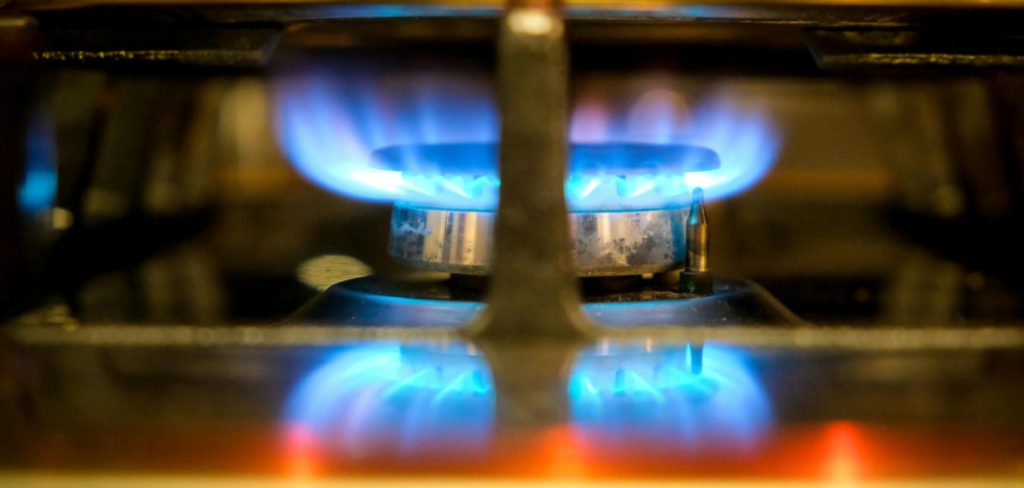
Samsung gas ovens typically feature multiple types of burners, each designed for specific cooking needs. These may include high-power burners for quick boiling or stir-frying, simmer burners for delicate sauces, and medium-sized burners for general cooking tasks. The variety of burners ensures versatility to match various cooking styles and recipes.
When it comes to oven settings, Samsung gas ovens offer a range of options to enhance your cooking precision. Common settings include Bake, Broil, Convection Bake, and Convection Roast. The Bake setting is ideal for cakes, casseroles, and bread, while the Broil function works well for roasting meats or melting cheese. Convection options use a fan to circulate hot air, ensuring faster and more even cooking—perfect for roasting vegetables or achieving a crisp finish on your dishes.
Many models also include specialized settings, such as Dehydrate or Keep Warm, for additional functionality. Understanding and selecting the right burners and oven settings will empower you to cook with confidence and achieve excellent results.
Safety Considerations
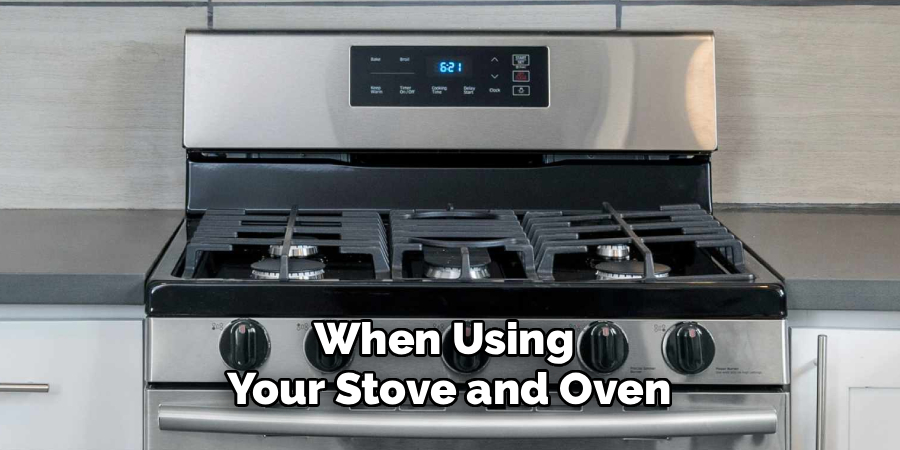
When using your stove and oven, adhering to important safety practices is essential for preventing accidents and ensuring a secure cooking environment. Always keep flammable items such as dish towels, paper towels, and oven mitts away from burners, especially when they are in use. Be cautious of hot surfaces and always use oven mitts when handling cookware or opening the oven door. Ensure that pots and pans are placed securely on the burners to avoid tipping, and turn handles inward to prevent accidental knocks.
Regularly check for gas leaks if you are using a gas stove, and ensure proper ventilation in your kitchen. Additionally, keep a functioning fire extinguisher nearby and know how to use it in case of an emergency. Following these safety tips will help you cook with peace of mind and protect your home.
10 Methods How to Use Samsung Gas Oven
1. Familiarize Yourself with the Oven Controls and Features
Before using your Samsung gas oven, take time to study the control panel and read the user manual thoroughly. Samsung ovens typically feature intuitive digital displays alongside physical knobs or touch controls.
The control panel allows you to select cooking modes, adjust temperatures, set timers, and activate additional functions such as self-cleaning or convection settings if your model includes them. Knowing the function of each button and knob is fundamental to operating your oven safely and effectively.
2. Preheat the Oven to the Desired Temperature
Preheating is essential to achieve consistent cooking and baking results. To preheat your Samsung gas oven, turn the temperature control knob to the desired setting or input the temperature using the digital panel. Most models will display a preheating indicator light or message. Allow the oven to reach the set temperature before placing your food inside; this usually takes between 10 to 15 minutes depending on the target temperature. Preheating ensures even cooking by stabilizing the internal environment.
3. Select the Appropriate Cooking Mode
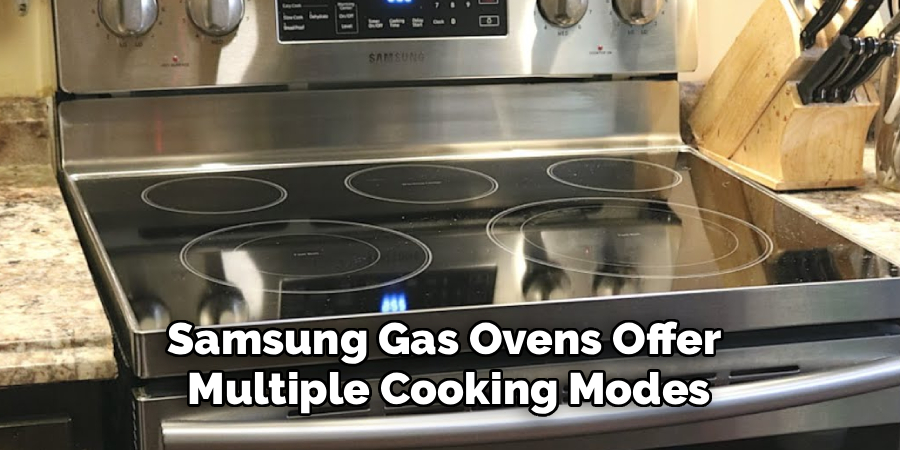
Samsung gas ovens offer multiple cooking modes tailored for various dishes. Common modes include Bake, Broil, Roast, and sometimes Convection Bake if your oven has convection features. Baking is ideal for cakes, cookies, and casseroles, while Broil exposes food to direct heat from the top element, perfect for browning or crisping. Roasting is suitable for meats and vegetables, providing dry heat circulation to enhance flavor. Selecting the right mode optimizes your dish’s texture and flavor while preventing under or overcooking.
4. Use the Oven Timer and Auto Shut-Off Features
Most Samsung ovens come equipped with a programmable timer that lets you set cooking durations. This feature not only helps prevent overcooking but also enhances safety by alerting you when cooking is complete. To use the timer, input the desired time after selecting your cooking mode and temperature. Some models include an auto shut-off function that powers down the oven after the timer expires, providing peace of mind if you are multitasking in the kitchen. Always double-check your timer settings before leaving the oven unattended.
5. Properly Position Oven Racks
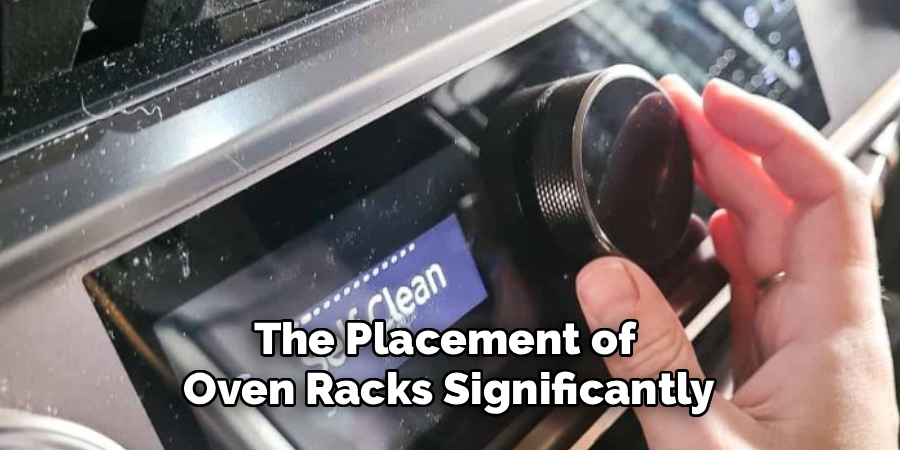
The placement of oven racks significantly affects cooking outcomes. Samsung gas ovens typically have multiple rack positions, allowing you to adjust proximity to the heat source. For baking, the middle rack is usually ideal for even heat distribution. Broiling requires placing food on the top rack closer to the broiler element to achieve a crisp, browned finish. For roasting large cuts of meat, lower racks provide slower, even cooking. Experimenting with rack placement helps tailor heat exposure to specific recipes.
6. Safely Light the Oven’s Pilot or Ignition System
Samsung gas ovens employ different ignition systems, including electronic ignition or standing pilot lights, depending on the model and manufacture year. When turning on your oven, you may need to manually ignite the pilot light or use the electronic ignition by simply turning the control knob. If your oven uses a manual ignition, follow manufacturer instructions carefully to avoid gas leaks or accidents. Never attempt to force ignition or use matches or lighters outside recommended procedures. Ensuring proper ignition is critical for safe and effective oven use.
7. Utilize the Self-Cleaning Function
Samsung gas ovens often feature a self-cleaning mode that heats the oven to very high temperatures to burn off food residues and grease, reducing cleaning effort. To activate this function, remove all oven racks, set the self-clean cycle via the control panel, and lock the oven door as required. The cycle duration typically lasts from 2 to 4 hours. Allow the oven to cool completely before wiping away ash with a damp cloth. Using the self-cleaning feature regularly maintains the oven’s hygiene and performance.
8. Monitor Cooking Progress Through the Oven Window
Samsung ovens come with a built-in window and interior light, allowing you to observe food without opening the door. Opening the oven door frequently causes heat loss, resulting in uneven cooking and longer cooking times. Utilize the window and oven light to monitor your dishes and check for browning, rising, or bubbling. This method maintains a stable oven temperature, improves cooking accuracy, and conserves energy.
9. Use Oven-Safe Cookware and Utensils
For best results and safety, always use cookware rated for oven use. Samsung ovens can accommodate a wide variety of materials such as glass, ceramic, metal, and cast iron. Avoid using plastic, paper, or other combustible materials inside the oven. Furthermore, use oven mitts or heat-resistant gloves when inserting or removing cookware to protect against burns. Selecting appropriate cookware ensures even heat conduction and prevents damage to both your food and the oven.
10. Turn Off the Oven and Perform Routine Maintenance
After completing your cooking, always remember to turn off the oven using the control panel or knobs. Leaving the oven on unnecessarily wastes energy and poses safety risks. Regular maintenance extends your oven’s lifespan; this includes cleaning spills immediately after the oven cools, checking seals and door hinges for damage, and inspecting burners for clogs. Following manufacturer guidelines for periodic professional servicing ensures the oven operates at peak efficiency and safety.
Maintenance and Upkeep
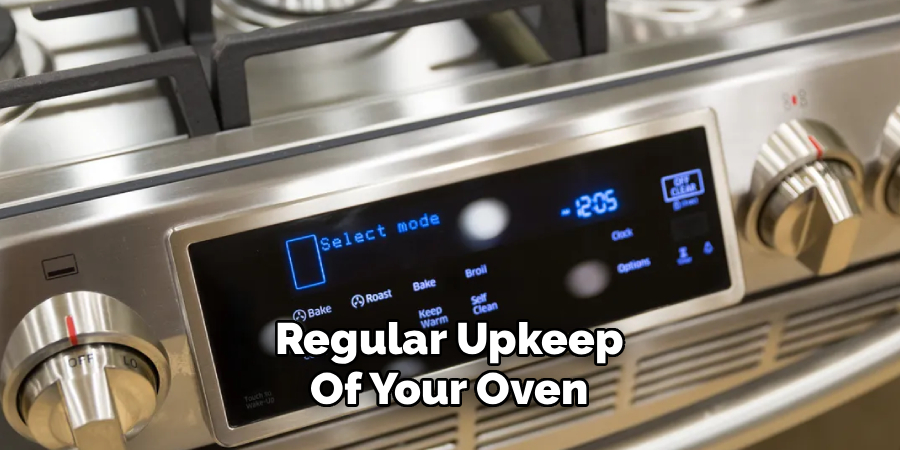
Regular upkeep of your oven not only ensures optimal performance but also prevents potential hazards. Start by cleaning the interior after each use, avoiding the buildup of grime and grease that can lead to unpleasant odors or even smoke during cooking. Use a damp cloth with mild detergent for routine cleaning, and for tougher stains, consider a baking soda and vinegar solution.
Additionally, check the oven’s exterior, including control panels and knobs, to prevent sticky residue from interfering with its functionality. Avoid using abrasive cleaners or tools that may damage the surfaces. Inspect electrical connections and power cords periodically for wear or damage, and address any issues immediately to minimize risk. By integrating these maintenance habits into your routine, you can significantly extend the life and efficiency of your oven.
Common Mistakes to Avoid
When maintaining your oven, several common mistakes can inadvertently cause damage or reduce its efficiency. One frequent error is neglecting to clean spills and residue immediately after cooking. Allowing food particles and grease to build up can lead to unpleasant odors, smoke, and even a fire hazard.
Another mistake is using harsh chemicals or abrasive cleaning tools, which can scratch or corrode the interior surfaces. Avoid spraying cleaning solutions directly onto heating elements or control panels, as this can cause electrical damage. Additionally, overloading the oven with heavy cookware can strain its racks and hinges, resulting in mechanical issues. By staying mindful of these pitfalls, you can ensure your oven remains in optimal condition for the long term.
Conclusion
Using a Samsung gas oven efficiently and safely enhances your cooking experience and food quality. By familiarizing yourself with the controls, preheating properly, selecting the right cooking modes, and managing timers and rack positions, you optimize cooking precision. Safe ignition, self-cleaning use, monitoring food through the oven window, choosing oven-safe cookware, and maintaining your appliance further contribute to reliable performance. Thanks for reading our blog post on how to use samsung gas oven! We hope you found it helpful and informative.

About
Diane Lo is a distinguished figure in the world of kitchen innovation and culinary design, with over a decade of expertise creating functional and sustainable kitchen environments. Her professional focus lies in merging ergonomic spatial planning with modern culinary technology, fostering kitchen layouts that are both highly practical and aesthetically refined. As the lead expert at Kitchenub, Diane Lo delves into the art and science of kitchen organization, appliance selection, and workflow efficiency, inspiring home cooks and professional designers alike.
Education
Royal Melbourne Institute of Technology (RMIT University) (Melbourne, Australia) Associate Degree in Interior Design and Spatial Planning Focus on sustainable kitchen layouts, user-centric design, and ergonomic efficiency. Gained hands-on experience in high-traffic commercial kitchen modeling and advanced space-saving architecture.
Nottingham Trent University (United Kingdom) Bachelor’s in Product Design and Culinary Architecture (Honors) Specialized in the intersection of kitchen technology and lifestyle design. Participated in major industry collaborations, working with premium appliance manufacturers and cabinetry firms to gain real-world insights into modern kitchen workflows.
Publications and Impact
At Kitchenub, Diane Lo shares her expert insights on kitchen renovation processes, material durability, and strategies for achieving peak culinary productivity. Her writing effectively bridges the gap between professional culinary needs and home design, making it an essential resource for those looking to transform their kitchen into a highly efficient and welcoming heart of the home.