

When your dishwasher starts acting erratically—flashing lights, stopping mid-cycle, or refusing to start—it’s easy to assume a costly repair is needed. However, the problem is often just a minor glitch in the appliance’s electronic brain: the control board. A simple reset can often resolve these issues by clearing temporary errors caused by power surges or software bugs. Learning how to reset dishwasher control board is a fundamental troubleshooting step that can save you time, money, and the hassle of a service call. This guide is designed for beginners and will walk you through the process safely, helping you get your kitchen back to running smoothly.
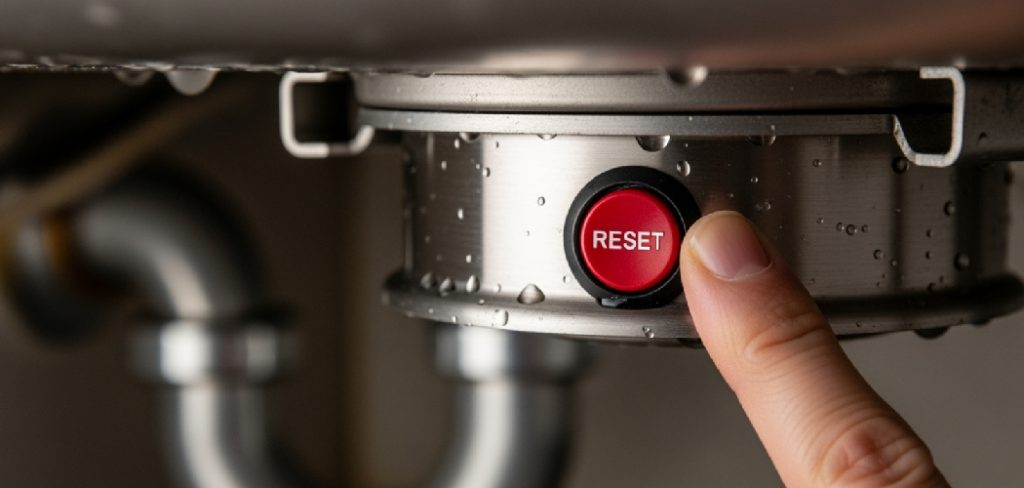
Before beginning, ensure your safety by disconnecting the dishwasher from its power supply. This can be done either by unplugging it directly or turning off the circuit breaker connected to the appliance. Once the power is off, wait for about five minutes to allow the control board to fully reset. After this pause, restore power to the dishwasher and check if the issue has been resolved. If the problem persists, you may need to consult the user manual or contact a professional technician for further assistance.
Why Resetting the Control Board is Important
Resetting the dishwasher control board is important because it allows the appliance to clear any temporary glitches or malfunctions that may disrupt its normal operation. Modern dishwashers rely heavily on electronic control systems, which can occasionally encounter errors due to power surges, improper cycles, or software faults. By performing a reset, you essentially give the system a fresh start, restoring proper functionality without the need for immediate repairs. This simple step can save you both time and money, preventing unnecessary service calls and ensuring your dishwasher operates efficiently.
Step by Steps Guide on How to Reset Dishwasher Control Board
Step 1: Understand When a Reset Is Necessary
Before you begin, it is important to recognize the signs that indicate a control board reset might be the solution. Common symptoms include a dishwasher that is completely unresponsive, flashing error codes on the display panel, cycles that won’t complete, or buttons that don’t respond when pressed. These issues often arise after a brief power outage or surge, which can confuse the internal electronics. A reset acts like rebooting a computer, clearing out the temporary memory and allowing the system to start fresh. If your appliance is exhibiting these specific electronic-related problems, a reset is the logical and easiest first step in troubleshooting.
Step 2: Power Cycle Reset
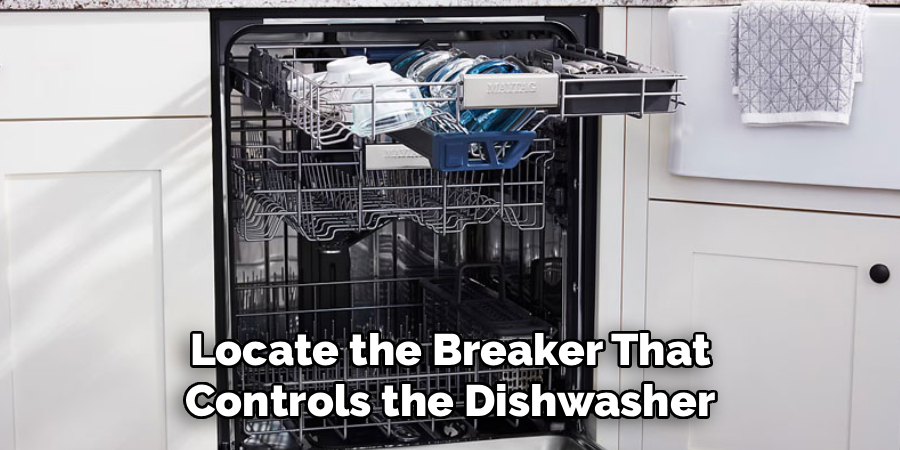
The simplest and most common way to perform a reset is through a power cycle. This method requires no tools and works for the vast majority of dishwasher models. All you need to do is completely disconnect the appliance from its power source. For many, this means simply unplugging the dishwasher from the wall outlet. If the plug is not easily accessible, you will need to go to your home’s circuit breaker panel. Locate the breaker that controls the dishwasher and switch it to the “Off” position. This initial step is crucial for ensuring the control board fully loses power.
Step 3: Wait Patiently for the Power to Discharge
Once you have disconnected the power, the next step is to wait. This waiting period is critical because it allows the electrical capacitors within the control board to fully discharge. This process is what clears the memory and resolves the electronic glitches. A common mistake is to restore power too quickly. You should leave the dishwasher unplugged or the circuit breaker off for at least five to ten minutes. This ensures that any residual charge is gone and the internal components have had a chance to return to their default state, effectively wiping the slate clean for a fresh start.
Step 4: Restore Power
After waiting a sufficient amount of time, you can now restore power to the appliance. If you unplugged the dishwasher, simply plug it back securely into the wall outlet. If you used the circuit breaker, flip the switch back to the “On” position. As power returns, you might hear a beep or see the control panel lights flash briefly. This is a normal indication that the control board is rebooting and re-initializing its systems. The dishwasher is now ready for the next step, which will confirm whether the reset was successful in resolving the initial problem.
Step 5: Try the Button Combination Reset
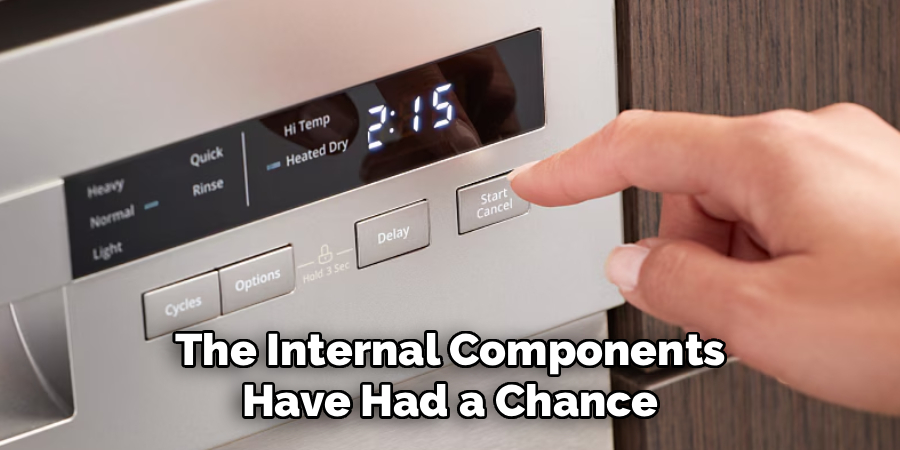
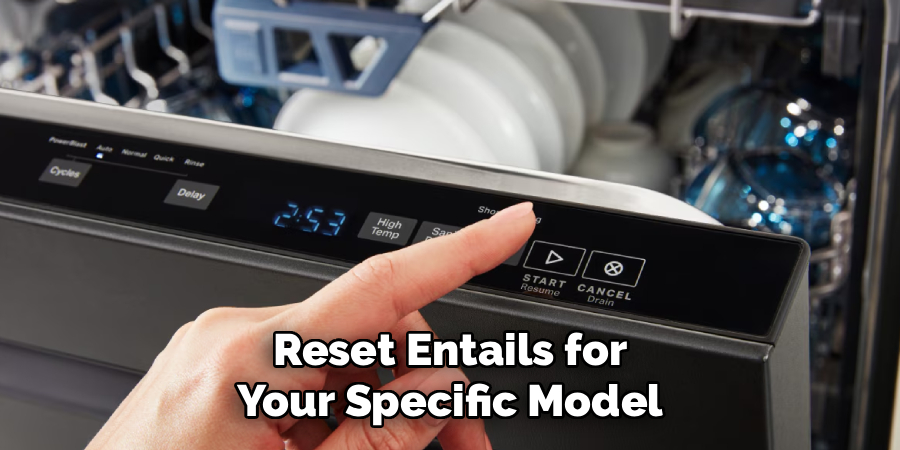
Some dishwasher models have a specific button sequence designed to initiate a diagnostic or reset cycle. This method can vary widely between brands like Whirlpool, GE, Bosch, and others. Check your owner’s manual for instructions specific to your appliance, often listed under a “Troubleshooting” or “Service Mode” section. A common sequence involves pressing a combination of buttons, such as “Heated Dry” and “Normal,” in a specific order or holding the “Start/Reset” button for several seconds. This method is another effective way to learn how to reset dishwasher control board directly from the panel.
Step 6: Run a Short Test Cycle
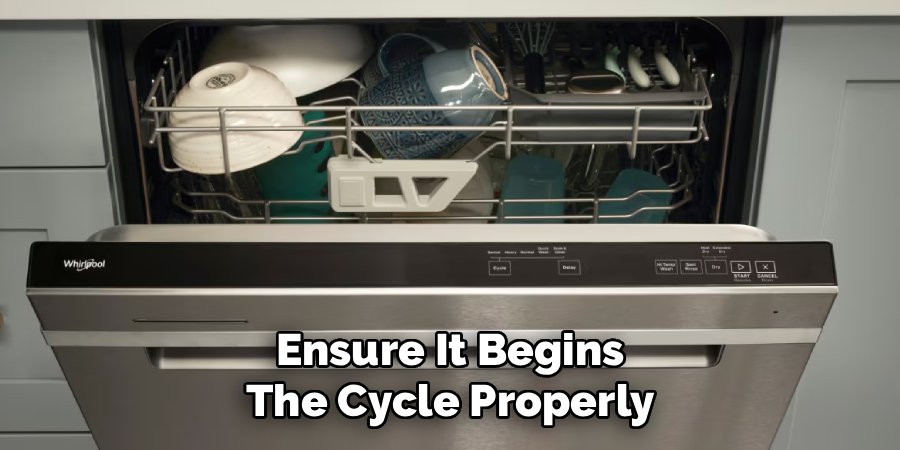
With the power restored and the control board reset, it is time to test if the issue has been resolved. Do not load any dishes into the appliance for this test. Simply select a short wash cycle, such as “Rinse Only” or “Quick Wash,” and press the “Start” button. The goal is to observe the dishwasher and ensure it begins the cycle properly. Listen for the sound of water filling the tub and check that the display panel is functioning as expected without any flashing error codes. Completing a short cycle successfully is a strong indicator that the reset worked.
Step 7: Observe the Dishwasher’s Performance
Let the test cycle run to completion. During this time, pay close attention to the dishwasher’s behavior. Does it progress through all the phases of the cycle—filling, washing, draining, and drying—without interruption? Do the control panel lights and timer display function correctly? A smooth, uninterrupted cycle from start to finish confirms that the control board has been successfully reset and the electronic glitch has been cleared. If the dishwasher operates normally, you can be confident that the problem is solved and resume using it as usual for your daily dishwashing needs.
Step 8: When the Reset Doesn’t Work
If the dishwasher continues to show the same error codes or fails to operate correctly after you have tried both the power cycle and button combination resets, it may indicate a more serious problem. The issue could lie with a faulty component, such as a sensor, the heating element, or the control board itself may have failed and requires replacement. At this stage, attempting further DIY repairs without experience can be risky. It is advisable to consult your owner’s manual for further troubleshooting steps or to contact a qualified appliance repair technician for a professional diagnosis.
Frequently Asked Question
How Do I Know if My Dishwasher Control Board Is Bad?
Signs of a faulty control board often mimic issues resolved by a reset, but they persist afterward. These include:
- The dishwasher is completely dead with no lights, even when power is confirmed.
- Error codes return immediately after a reset.
- Buttons work, but the dishwasher won’t start a cycle.
- The appliance stops at the exact same point in every cycle.
If a reset doesn’t fix these problems, the board itself has likely failed and may need replacement.
Will Resetting the Dishwasher Erase My Custom Settings?
In most cases, a simple power cycle reset will not erase your saved custom settings, such as preferred cycle options or water hardness levels. These are typically stored in non-volatile memory. However, a full diagnostic reset performed with a button combination might revert all settings back to the factory defaults. It is always a good idea to consult your owner’s manual to understand what a reset entails for your specific model.
Is It Safe to Reset the Dishwasher Control Board Myself?
Yes, performing a power cycle reset is completely safe and is the most common troubleshooting step recommended by manufacturers. As long as you follow the proper procedure of disconnecting the power source, either by unplugging the unit or shutting off the circuit breaker, there is no risk of electrical shock. Be sure to handle the circuit breaker panel with dry hands and exercise standard caution.
How Often Can I Reset My Dishwasher?
You can reset your dishwasher as often as needed to clear electronic glitches. There is no harm in performing a power cycle reset. However, if you find yourself needing to reset the control board frequently—for example, weekly or after every few cycles—it is a strong indication of an underlying problem. This could be a failing component or an issue with your home’s electrical supply, which warrants a professional inspection.
Can a Power Surge Damage a Dishwasher Control Board?
Yes, a power surge is one of the most common causes of damage to a dishwasher control board. These sensitive electronic components can be fried by a sudden spike in voltage. While a reset can sometimes fix minor data corruption caused by a surge, a strong surge can cause permanent physical damage. Using a surge protector designed for major appliances can help protect your dishwasher and other electronics from this type of damage.
Conclusion
Facing a malfunctioning dishwasher can be a major inconvenience, but often the solution is simpler and cheaper than you might think. A control board reset is a powerful first line of defense against a wide range of common electronic issues, from unresponsive buttons to mysterious error codes. By following the steps outlined in this guide, you have the knowledge to safely perform this task yourself. The next time your appliance acts up, you can feel confident in your ability to how to reset dishwasher control board before calling for professional help.

About
Diane Lo is a distinguished figure in the world of kitchen innovation and culinary design, with over a decade of expertise creating functional and sustainable kitchen environments. Her professional focus lies in merging ergonomic spatial planning with modern culinary technology, fostering kitchen layouts that are both highly practical and aesthetically refined. As the lead expert at Kitchenub, Diane Lo delves into the art and science of kitchen organization, appliance selection, and workflow efficiency, inspiring home cooks and professional designers alike.
Education
Royal Melbourne Institute of Technology (RMIT University) (Melbourne, Australia) Associate Degree in Interior Design and Spatial Planning Focus on sustainable kitchen layouts, user-centric design, and ergonomic efficiency. Gained hands-on experience in high-traffic commercial kitchen modeling and advanced space-saving architecture.
Nottingham Trent University (United Kingdom) Bachelor’s in Product Design and Culinary Architecture (Honors) Specialized in the intersection of kitchen technology and lifestyle design. Participated in major industry collaborations, working with premium appliance manufacturers and cabinetry firms to gain real-world insights into modern kitchen workflows.
Publications and Impact
At Kitchenub, Diane Lo shares her expert insights on kitchen renovation processes, material durability, and strategies for achieving peak culinary productivity. Her writing effectively bridges the gap between professional culinary needs and home design, making it an essential resource for those looking to transform their kitchen into a highly efficient and welcoming heart of the home.