

The self-cleaning feature on a Frigidaire oven is a convenient tool for tackling tough, baked-on grime. However, there might be times when you need to stop the cycle midway. This could be due to an unexpected company, a burning smell indicating forgotten spills, or simply starting it by accident. Knowing how to safely stop the process is crucial for your safety and the oven’s longevity.
Stopping a high-temperature self-cleaning cycle requires careful steps to avoid damaging the appliance or causing injury. This guide on how to stop frigidaire self-cleaning oven will walk you through the correct procedure, ensuring you can manage yoHow to Stop Frigidaire Self-cleaning Ovenur oven’s functions with confidence. We’ll cover everything from the initial cancellation to post-cycle checks, providing a comprehensive approach to handling this situation.
Tools and Materials You’ll Need
- Oven Mitts or Heat-resistant Gloves
- Mild Cleaning Solution (E.g., Vinegar and Water)
- Soft Cloths or Sponges
- A Non-abrasive Plastic Scraper (Optional)
10 Step-by-step Guides on How to Stop Frigidaire Self-cleaning Oven:
Step 1: Press the ‘Cancel’ or ‘Off’ Button
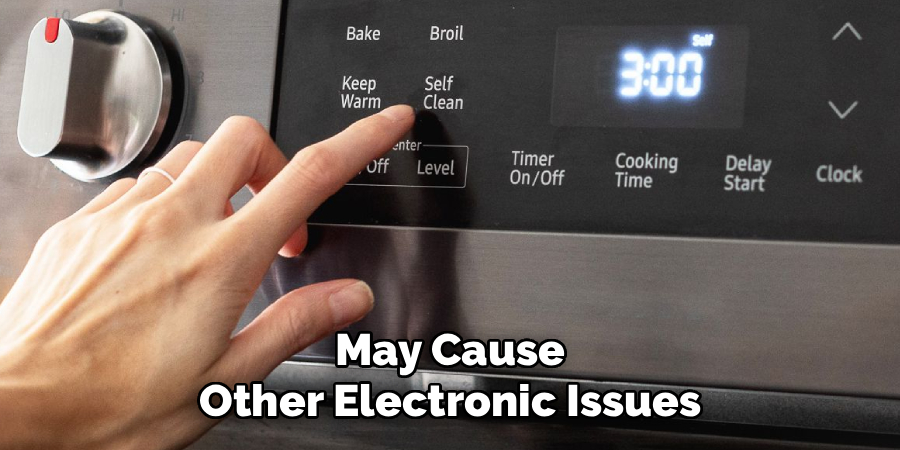
The first and most direct way to attempt to stop the self-cleaning cycle is to use the oven’s control panel. Locate the button labeled ‘Cancel,’ ‘Off,’ or sometimes ‘Clear/Off.’ Pressing this button should signal the oven to terminate the current function. Once pressed, you might hear a beep, and the display should indicate that the cycle is attempting to shut down. This action tells the oven’s internal computer to begin the cooling-down process, which is necessary before the door can be unlocked.
It is important to understand that this action does not immediately stop the process or unlock the door. The oven has reached extremely high temperatures, often over 800°F (427°C), and for safety reasons, the door will remain locked until the internal temperature drops to a safe level, typically below 200°F (93°C). This safety mechanism prevents accidental burns from the intense heat inside. The cooling period can take anywhere from 30 to 90 minutes, depending on the model and how long the cycle was running.
Step 2: Wait for the Oven to Cool Down
Patience is key during this step. After you have pressed the cancel button, the oven must go through a mandatory cooling period. The automatic door lock will remain engaged as a critical safety feature to prevent you from opening the oven while it is still dangerously hot. Attempting to force the door open during this time can damage the locking mechanism, the door itself, and create a significant safety hazard. You will need to wait for the internal temperature to decrease to a pre-set safe level.
Most modern Frigidaire ovens have an indicator light or a message on the display, such as ‘Cooling’ or a flashing lock symbol, to show that the cooling process is underway. The time it takes can vary greatly. If the cycle had just begun, the cooling period might be relatively short. However, if the oven is at its peak temperature, expect to wait for an hour or more. Avoid the temptation to unplug the oven, as this will not speed up the cooling and may cause other electronic issues.
Step 3: Monitor the Control Panel Display
While you wait for the oven to cool, keep an eye on the control panel. The display provides essential information about the oven’s status. You should see indicators that confirm the cancellation was successful and that the cooling phase is active. This could be a message like “COOL” or a blinking light next to the “Lock” icon. The display will eventually change once the oven has cooled sufficiently. The lock indicator will disappear, or you might hear an audible click, signaling that the door is now unlocked.
This visual and auditory feedback is your primary cue that it is safe to proceed. If the display does not change after a prolonged period (e.g., over two hours), there might be an issue with the oven’s sensor or control board. In such a scenario, it’s best to consult the user manual or contact customer support rather than attempting further intervention yourself. Monitoring the display helps you understand what the appliance is doing and when it’s ready for you to safely open it.
Step 4: Disconnect the Power if Necessary
If pressing the ‘Cancel’ or ‘Off’ button does not work and the oven continues the self-cleaning cycle, you may need to resort to cutting the power. This should be considered a last resort. First, try to access your home’s circuit breaker panel and find the breaker that corresponds to your oven. It is usually a dedicated, high-amperage, double-pole breaker. Flip the breaker to the ‘Off’ position to cut electricity to the appliance. This will immediately stop the heating elements.
Alternatively, if you can safely access the outlet, you can unplug the oven. For many built-in wall ovens, the plug is not easily accessible, making the circuit breaker method more practical. After cutting the power, you must still wait for the oven to cool down completely before the door lock will disengage. In some models, the lock is purely mechanical and temperature-driven, so it will release once it’s cool. In others, power may need to be restored for the electronic lock to release after cooling.
Step 5: Restore Power After Cooling
Once you have disconnected the power and waited for at least 60-90 minutes for the oven to cool, you will need to restore electricity to unlock the door. Go back to the circuit breaker panel and flip the oven’s breaker back to the ‘On’ position, or plug the oven back into the wall outlet. Restoring power allows the oven’s electronic components, including the motorized door lock, to function again.
Upon restoring power, the oven’s control board will reboot. You might hear a click as the locking mechanism disengages. Check the control panel display to see if the lock icon has disappeared. If the door remains locked, the oven may still be too hot. In some cases, the control board may need to be reset by leaving the power off for an extended period (up to an hour) before turning it back on. This allows any residual charge in the electronics to dissipate.
Step 6: Carefully Open the Oven Door
After you have confirmed that the oven is cool and the door is unlocked—either by the disappearance of a lock light or an audible click—you can proceed to open the door. Do this carefully and slowly. Even though the oven has cooled significantly, there may still be residual heat inside. Stand to the side of the door as you open it to avoid any hot air or steam that may escape. It’s wise to wear oven mitts as an extra precaution.
When you open the door, be prepared for a strong odor, especially if the cycle was stopped because of a burning smell. This is normal, as the high heat would have started to incinerate any food debris inside. Look inside to assess the situation before you begin cleaning. Check for any visible residue or ash that was created during the partial cleaning cycle. This initial inspection will help you determine how much manual cleaning is now required.
Step 7: Ventilate the Kitchen Area
Regardless of how long the self-cleaning cycle ran, it likely produced some fumes and odors from burning food residue. It is important to ventilate your kitchen thoroughly to clear the air of these potentially irritating smells and smoke. Open windows and doors to create a cross-breeze. If you have a range hood or an exhaust fan over your cooktop, turn it on to its highest setting to help draw the fumes out of the room more effectively.
Proper ventilation is important for maintaining good indoor air quality. The byproducts of the self-cleaning process can include carbon monoxide and other compounds, so circulating fresh air is a good safety practice. Keep the area ventilated as you proceed with the next steps of cleaning the oven’s interior. A well-ventilated space will make the cleaning process more pleasant and ensure any lingering odors dissipate quickly.
Step 8: Remove Large Debris and Racks
Before you begin a deeper clean, remove any large, loose pieces of debris from the oven cavity. The aborted self-cleaning cycle may have turned spills into chunks of carbonized ash. Use a damp cloth or a small brush and dustpan to carefully sweep out this residue. Be gentle to avoid scratching the oven’s interior lining. You should also remove the oven racks if you haven’t already. The racks should not be left inside during a self-cleaning cycle.
If you forgot to remove the racks and they went through part of the cycle, they will likely be discolored. Their shiny chrome finish might now appear dull or have a bluish or brownish tint. This is a chemical reaction to the high heat and is usually permanent, but it does not affect their performance. You can clean them separately in a sink with warm, soapy water and a non-abrasive scrub brush to remove any residue.
Step 9: Manually Clean the Oven Interior
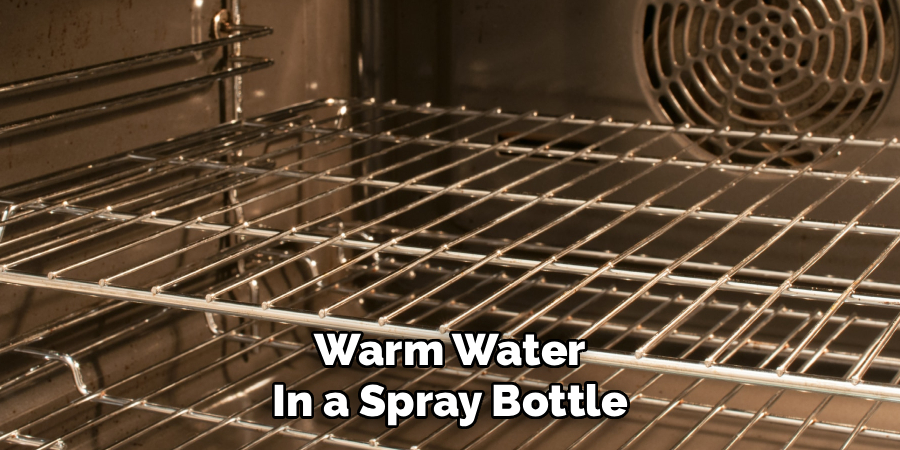
With the large debris removed, it’s time to manually clean the rest of the oven. Since the self-cleaning cycle was incomplete, you will likely find partially burned-on residue that still needs to be addressed. Create a simple cleaning solution by mixing equal parts white vinegar and warm water in a spray bottle. You can also use a mild dish soap solution. Avoid using harsh chemical oven cleaners, as they can damage the special porous coating of a self-cleaning oven’s interior.
Spray the solution generously on the inside walls, floor, and door of the oven, being careful to avoid the heating elements. Let the solution sit for about 30 minutes to help loosen the grime. Then, use a soft cloth or a non-abrasive sponge to wipe down the surfaces. For stubborn spots, you can use a plastic scraper. You may need to repeat the process a few times to get the oven completely clean.
Step 10: Reset the Oven Controls and Test
After you have manually cleaned the oven and replaced the racks, it’s time to ensure everything is functioning correctly. Close the oven door and check the control panel. If you had to cut the power, you might need to reset the clock. Consult your oven’s manual for instructions on setting the clock and other basic functions. Once the clock is set, it’s a good idea to test the oven to make sure it heats up properly.
Turn the oven to a standard baking function, such as ‘Bake’ at 350°F (175°C), for about 10-15 minutes. This quick test will confirm that the heating elements are working and that the oven operates as expected after the interruption. During this test, pay attention to any unusual sounds or smells (other than the slight scent of your cleaning solution burning off). If everything seems normal, your oven is ready for regular use again.
Following these steps on how to stop frigidaire self-cleaning oven, you can safely and effectively clean your oven without causing any damage. It is important to maintain and clean your oven regularly to ensure it functions properly and to avoid any potential hazards.
Conclusion
Stopping a Frigidaire self-cleaning oven mid-cycle is a straightforward process when you follow the correct safety procedures. The most important steps involve using the ‘Cancel’ button and allowing the oven to cool down completely before the door lock disengages. Patience is essential, as this cooling period is a non-negotiable safety feature.
Should the control panel fail, cutting power at the circuit breaker is an effective backup plan. By understanding these steps on how to stop frigidaire self-cleaning oven, you can confidently manage your oven’s functions and handle any unexpected situations that may arise, ensuring your appliance remains in good working order for years to come.

About
Diane Lo is a distinguished figure in the world of kitchen innovation and culinary design, with over a decade of expertise creating functional and sustainable kitchen environments. Her professional focus lies in merging ergonomic spatial planning with modern culinary technology, fostering kitchen layouts that are both highly practical and aesthetically refined. As the lead expert at Kitchenub, Diane Lo delves into the art and science of kitchen organization, appliance selection, and workflow efficiency, inspiring home cooks and professional designers alike.
Education
Royal Melbourne Institute of Technology (RMIT University) (Melbourne, Australia) Associate Degree in Interior Design and Spatial Planning Focus on sustainable kitchen layouts, user-centric design, and ergonomic efficiency. Gained hands-on experience in high-traffic commercial kitchen modeling and advanced space-saving architecture.
Nottingham Trent University (United Kingdom) Bachelor’s in Product Design and Culinary Architecture (Honors) Specialized in the intersection of kitchen technology and lifestyle design. Participated in major industry collaborations, working with premium appliance manufacturers and cabinetry firms to gain real-world insights into modern kitchen workflows.
Publications and Impact
At Kitchenub, Diane Lo shares her expert insights on kitchen renovation processes, material durability, and strategies for achieving peak culinary productivity. Her writing effectively bridges the gap between professional culinary needs and home design, making it an essential resource for those looking to transform their kitchen into a highly efficient and welcoming heart of the home.