

A stand mixer is the heart of many kitchens, but when its motor starts to sputter, whine, or stop completely, it can bring your baking to a grinding halt. The motor is the engine of your appliance, and any issue with it can feel like a major disaster. However, many common motor problems are surprisingly easy to diagnose and even fix at home, often without needing a costly repair service.
This guide is designed to empower you with the knowledge you need to diagnose and solve these problems yourself. We will walk you through a clear, step-by-step process on how to troubleshoot mixer motor issues, from the simplest power problems to more complex mechanical faults.
Why Troubleshooting Mixer Motor Issues is Important
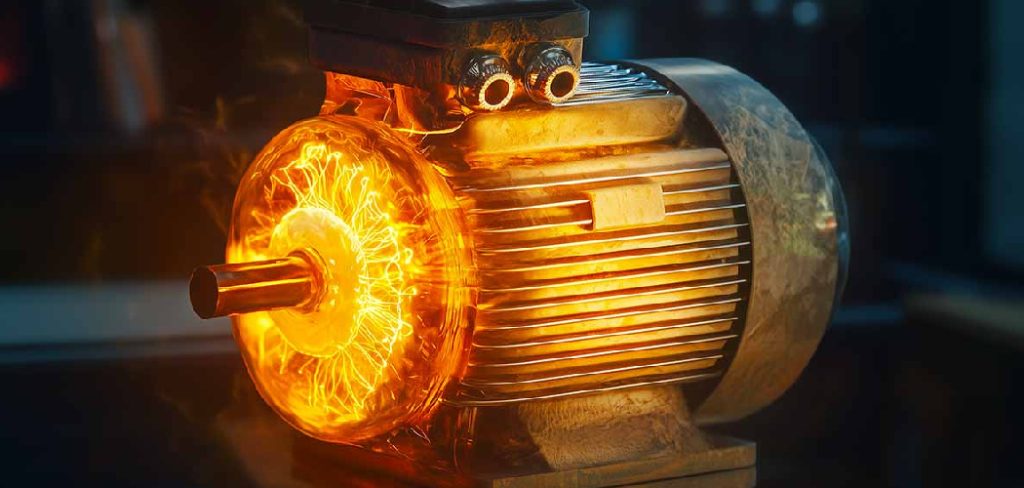
Addressing motor issues at the first sign of trouble is critical for the health and longevity of your mixer. Ignoring a problem like an unusual noise, overheating, or inconsistent speed doesn’t make it go away; it almost always makes it worse. A minor issue, like worn-out motor brushes, can escalate into significant motor failure if left unattended, turning a simple, inexpensive fix into a major repair or a full replacement.
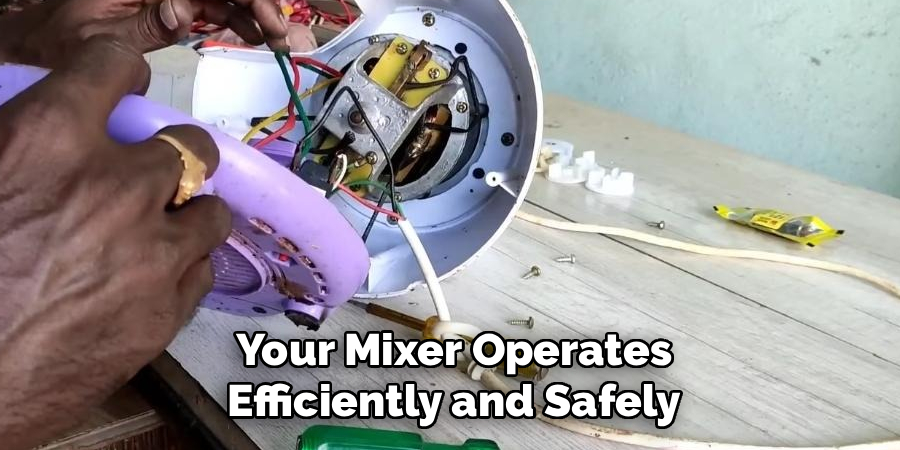
Early troubleshooting ensures your mixer operates efficiently and safely. A struggling motor can’t mix properly, leading to poor results in your baking. More importantly, certain electrical issues can pose a safety hazard. By systematically diagnosing the problem, you can maintain your appliance’s performance, extend its lifespan, and ensure it remains a reliable kitchen companion for years to come.
Tools and Materials You’ll Need
Most basic mixer troubleshooting can be done with just a few common household tools. Having these ready will make the process much smoother.
- Your Stand Mixer
- A Flat-Head and/or Phillips Screwdriver: To open the mixer’s housing.
- A Clean, Dry Cloth: For cleaning components.
- Another Small Appliance (like a lamp): To test the electrical outlet.
- Your Mixer’s User Manual (Recommended): For model-specific diagrams.
- Multimeter (Optional): For testing electrical continuity in the switch, cord, and motor.
- Replacement Motor Brushes (Optional): A common replacement part you might need.
- Food-Grade Grease (Optional): If you need to re-grease the gears during your appliance repair.
Step-by-Step Guide: How to Troubleshoot Mixer Motor Issues
Step 1: Check the Power Source
Before you assume a major motor failure, start with the simplest explanation: a lack of power. First, ensure the mixer is firmly plugged into the wall outlet. Next, verify that the outlet itself is working. Unplug the mixer and plug in another small appliance that you know works, like a lamp or a phone charger. If that device doesn’t turn on, the issue is with your outlet or circuit breaker, not the mixer. Check your home’s electrical panel to see if a breaker has been tripped and reset it if necessary.
Step 2: Inspect the Power Cord
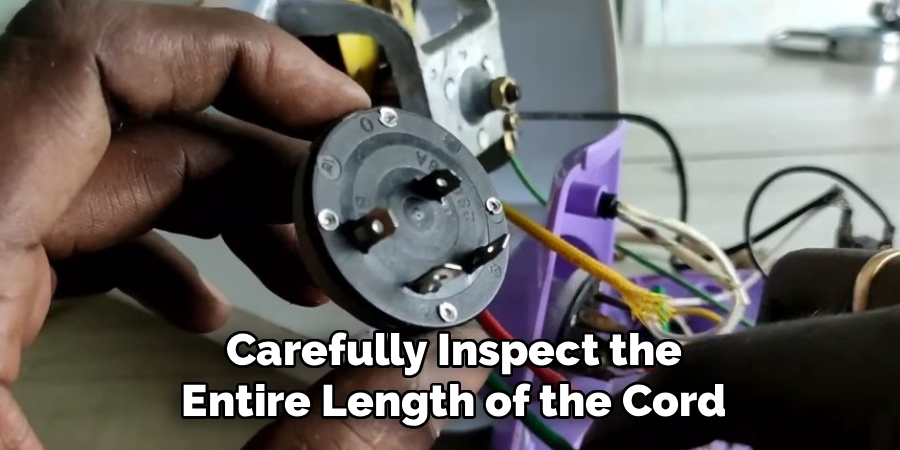
A damaged power cord is a common point of failure and a significant safety hazard. Unplug the mixer completely and carefully inspect the entire length of the cord. Look for any cuts, frays, exposed wires, or kinks. Pay close attention to the areas near the plug and where the cord enters the mixer body, as these spots experience the most stress. If you find any damage, the cord must be replaced. Do not attempt to use a mixer with a compromised power cord, as this presents a serious risk of electrical shock.
Step 3: Test the On/Off Switch and Speed Control
The switch and speed control are frequent culprits in electrical issues. With the mixer unplugged, toggle the switch on and off several times to ensure it moves freely. If it feels stuck or loose, it may be faulty. To test it further, you would need to open the mixer housing and use a multimeter to check for continuity. A faulty speed control often presents as the mixer only working on one speed (usually high) or not changing speeds at all. This often points to a failed control board or switch that needs replacement.
Step 4: Check the Motor Brushes
One of the most common causes of a mixer motor not starting, sparking, or running intermittently is worn-out motor brushes. These small carbon blocks are designed to wear down over time as they conduct electricity to the spinning part of the motor. On many mixers, you can access them by unscrewing two black caps on either side of the motor housing. Carefully remove the brushes and inspect them. If they are shorter than about a quarter-inch, cracked, or damaged, they need to be replaced. This is often a simple and inexpensive appliance repair.
Step 5: Listen for Unusual Noises
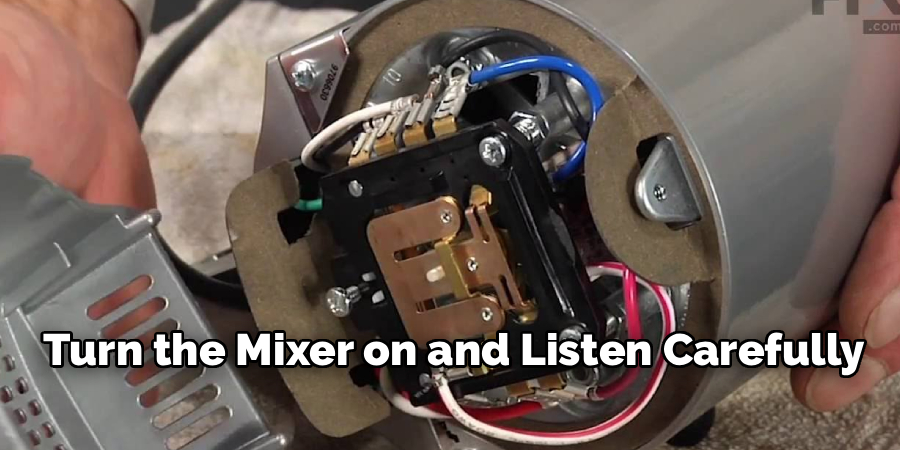
The sounds your mixer makes can tell you a lot about its health. Turn the mixer on and listen carefully. A loud grinding or screeching noise often points to a problem with the gears. A worn gear can put a heavy load on the motor, causing it to struggle or overheat. A clicking or clunking sound might indicate a foreign object is stuck in the gearbox or that a part is broken. Identifying the type of noise can help you narrow down the source of the mechanical problem before opening the mixer for a visual inspection.
Step 6: Look for Signs of an Overheating Motor
An overheating motor is a clear sign that something is wrong. An overworked motor can be caused by mixing a batch that is too large or a dough that is too stiff for the machine’s capacity. However, it can also indicate a more serious internal problem, such as failing bearings or insufficient gear lubrication. If your mixer feels hot to the touch or you notice a distinct burning smell, unplug it immediately and let it cool down completely. A burnt smell often signals irreversible motor damage, meaning the motor itself will likely need to be replaced.
Step 7: Inspect the Gear Assembly
If you suspect a mechanical issue, you may need to look at the gears. This part of the process of how to troubleshoot mixer motor issues is more advanced. Unplug the mixer and open the top housing to expose the gearbox. Look for any visible signs of damage, such as stripped or broken gear teeth. Also, check the condition of the grease. It should be evenly distributed. If the grease is sparse, dark, or has a separated, oily consistency, the gears need to be cleaned and re-lubricated with fresh, food-grade grease to ensure proper mixer maintenance.
Common Mixer Maintenance Tips
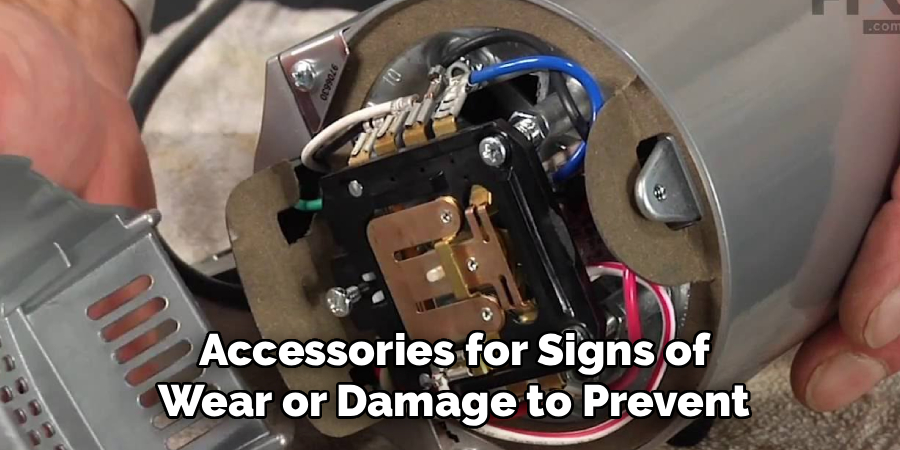
Proper mixer maintenance is essential for ensuring the longevity and functionality of your machine. One common tip is to regularly clean the mixer after each use, making sure to remove any leftover food particles or residue, as buildup can impact performance over time. Periodically inspect the attachments and accessories for signs of wear or damage to prevent any unexpected failures during operation.
Additionally, always store your mixer in a dry and stable environment to avoid exposure to moisture, which can lead to rust or corrosion. For stand mixers, it’s also important to occasionally check and tighten any screws or bolts to keep the machine stable during use. By following these simple yet effective maintenance practices, you can keep your mixer running smoothly for years to come.
Frequently Asked Questions
What Are the First Things to Check if My Mixer Won’t Turn On?
First, confirm it’s not a power issue. Check that the mixer is plugged in and that the outlet is working by testing it with another appliance. If the outlet is fine, inspect the power cord for any visible damage. If the cord is intact, the next most common culprits are a faulty on/off switch or worn-out motor brushes.
Why Is My Mixer Motor Sparking?
Small sparks inside the motor housing can be normal, especially in a new mixer, as the motor brushes seat themselves. However, excessive or large, bright sparks are often a sign that the motor brushes are worn out and need to be replaced. It can also indicate a more serious issue with the motor’s armature. If you see heavy sparking, unplug the mixer and inspect the brushes.
My Mixer Only Works on High Speed. What’s Wrong?
If your mixer runs only on high speed regardless of the speed setting, the problem is almost always a failed speed control plate or electronic control board. This component regulates the voltage sent to the motor. When it fails, it often defaults to sending full power, causing the mixer to run at its highest speed. This part will need to be replaced.
What Causes a Grinding Noise in a Mixer?
A loud grinding noise is most commonly caused by a worn or stripped gear within the gearbox. The “worm gear” is often designed to be the first point of failure to protect the motor from being damaged by an overload. When this gear’s teeth strip, it creates a loud grinding sound. The gear will need to be replaced.
Can I Fix a Burnt-Out Mixer Motor?
If you have smelled a distinct electrical burning smell coming from the motor, it has likely suffered catastrophic failure. At this point, the internal windings of the motor have been damaged by heat, and it is not repairable. The only solution is to replace the entire motor assembly. For some older or less expensive mixers, it may be more cost-effective to replace the entire appliance.
Conclusion
A mixer with a motor problem can be frustrating, but it isn’t always a cause for panic. By following a logical sequence of troubleshooting steps, you can often identify and fix the issue yourself, saving both time and money. From simple power checks to replacing worn components, a little bit of mixer maintenance can go a long way.
Never ignore the warning signs your mixer gives you. By learning how to troubleshoot mixer motor issues promptly, you ensure your appliance remains a safe, efficient, and reliable partner in your kitchen. If you ever feel a repair is beyond your skill level, don’t hesitate to contact a qualified professional.

About
Diane Lo is a distinguished figure in the world of kitchen innovation and culinary design, with over a decade of expertise creating functional and sustainable kitchen environments. Her professional focus lies in merging ergonomic spatial planning with modern culinary technology, fostering kitchen layouts that are both highly practical and aesthetically refined. As the lead expert at Kitchenub, Diane Lo delves into the art and science of kitchen organization, appliance selection, and workflow efficiency, inspiring home cooks and professional designers alike.
Education
Royal Melbourne Institute of Technology (RMIT University) (Melbourne, Australia) Associate Degree in Interior Design and Spatial Planning Focus on sustainable kitchen layouts, user-centric design, and ergonomic efficiency. Gained hands-on experience in high-traffic commercial kitchen modeling and advanced space-saving architecture.
Nottingham Trent University (United Kingdom) Bachelor’s in Product Design and Culinary Architecture (Honors) Specialized in the intersection of kitchen technology and lifestyle design. Participated in major industry collaborations, working with premium appliance manufacturers and cabinetry firms to gain real-world insights into modern kitchen workflows.
Publications and Impact
At Kitchenub, Diane Lo shares her expert insights on kitchen renovation processes, material durability, and strategies for achieving peak culinary productivity. Her writing effectively bridges the gap between professional culinary needs and home design, making it an essential resource for those looking to transform their kitchen into a highly efficient and welcoming heart of the home.